Telepítés véglegesítése (Wii mini)
Most, hogy a Homebrew Channel, Priiloader és cIOS telepítésre került, véglegesíteni fogjuk a Wii mini telepítést alapvető appok telepítésével, amik visszaállítják a Wii mini menünek normál konzolhoz képest hiányzó funkcionalitását. Ajánlott, hogy letöltsd az összes homebrew-ot a tárolódra, ami itt listázott, az ELŐTT mielőtt végrehajtod a listázott lépéseket.
Wii mini Ethernet Enable
A Wii mini Ethernet Enable egy homebrew app ami úgy patcheli a Wii mini-det, hogy támogassa a vezetékes Ethernet adaptereket, lehetővé téve a konzolod számára, hogy olyan helyen is elérje az internetet ahol korábban nem volt lehetséges. Csak az ASIX AX88772 chipset-tel rendelkező adapterek támogatottak a Wii mini-n. Továbbá, a homebrew appok esetén, amik internetet igényelnek szükség van egy USB hub-ra, mert a konzolnak csak egy USB portja van.
Követelmények
- Egy USB drive
- Wii mini Ethernet Enable
Lépések
Másold az
appsmappát aWii_Mini_Ethernet_Enable.zipfájlból az USB drive-od gyökerébe.Helyezd vissza a pendrive-ot a konzolodba.
Indítsd el a Homebrew Channelt.
Indítsd el a Wii Mini Ethernet Enable-t a homebrew-ok listájáról.
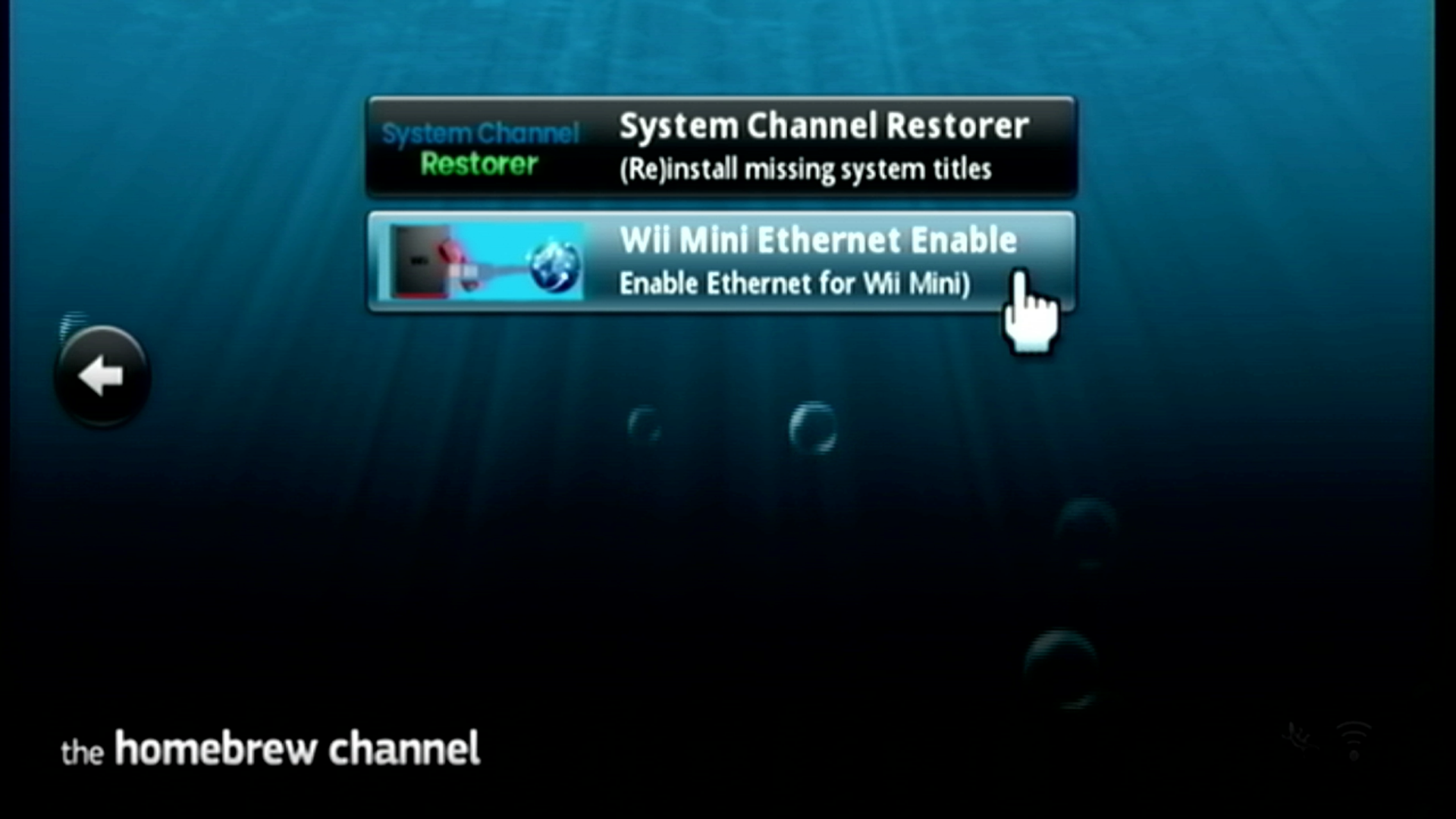
Az alkalmazás el fog indulni és ki fog írni egy
OK.-t, miután megpróbálta bekapcsolni az Ethernet használatot a Wii mini-den. Ezt követően nyomd meg aHOMEgombot a Wii remote-odon az appból kilépéshez.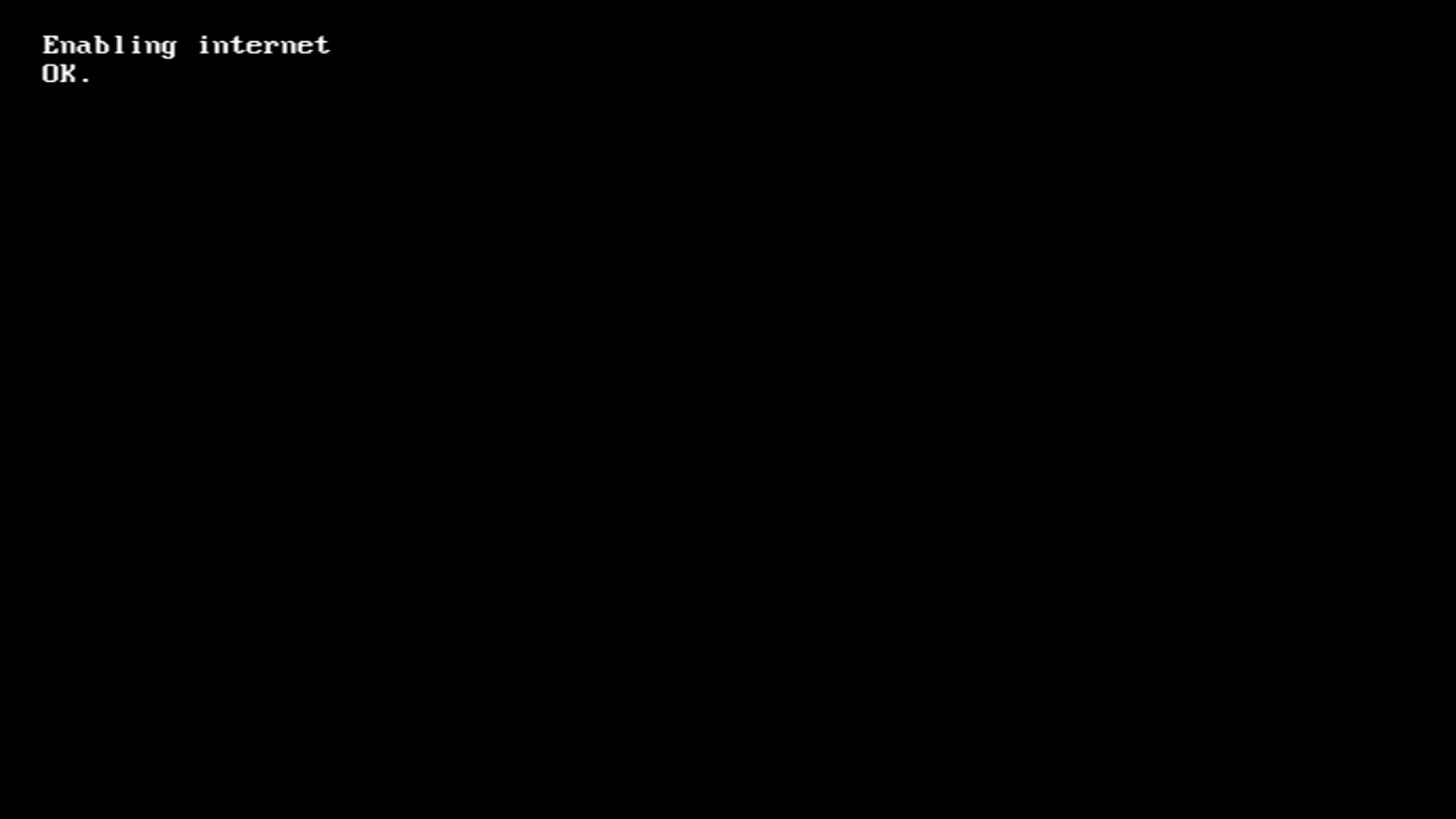
System Channel Restorer
A System Channel Restorer egy homebrew app, ami visszaállítja a Wii mini menüből normálisan hiányzó csatornákat, mint például a Wii verziója a Mii Channel-nek és a Photo Channel-nek.
Követelmények
- Egy SD kártya vagy pendrive
- Egy internet kapcsolat
- System Channel Restorer
Lépések
Másold az
appsmappát asystem-channel-restorer.zipfájlból az SD kártyád vagy az USB drive-od gyökerébe.Csatlakoztasd az SD kártyát vagy a pendrive-ot a konzolodba!
Indítsd el a Homebrew Channelt.
Indítsd el a homebrew listáról a System Channel Restorer-t.
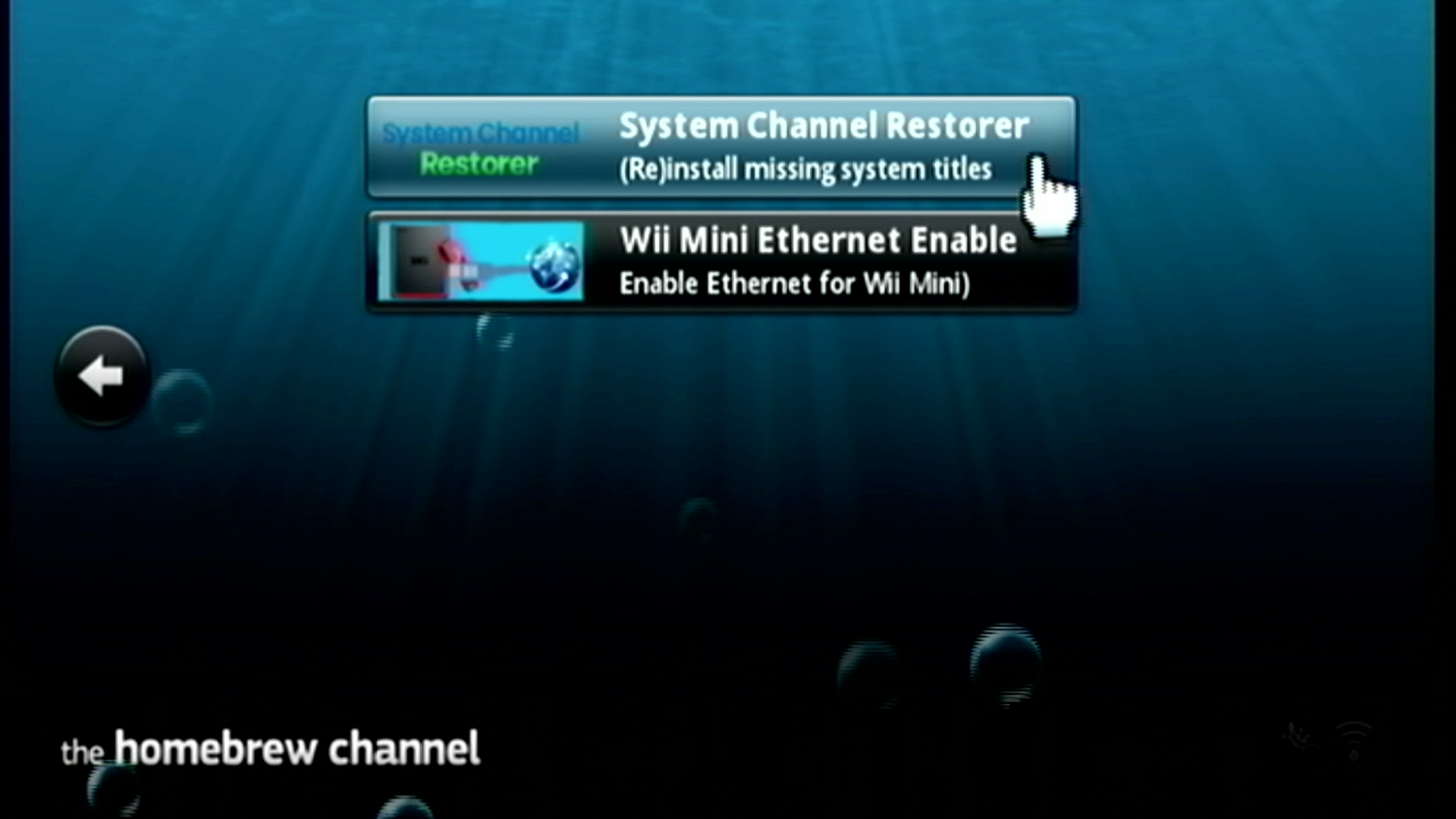
A telepítő elindul. Ha a -3 Failed to initialize network hibát kapod, ellenőrizd, hogy az Ethernet adaptered megfelelően csatlakoztatott. A legtöbb felhasználó a következő csatornákat szeretné kiválasztani, kivéve, ha szeretnél további csatornákat:
- EULA
- Mii Channel
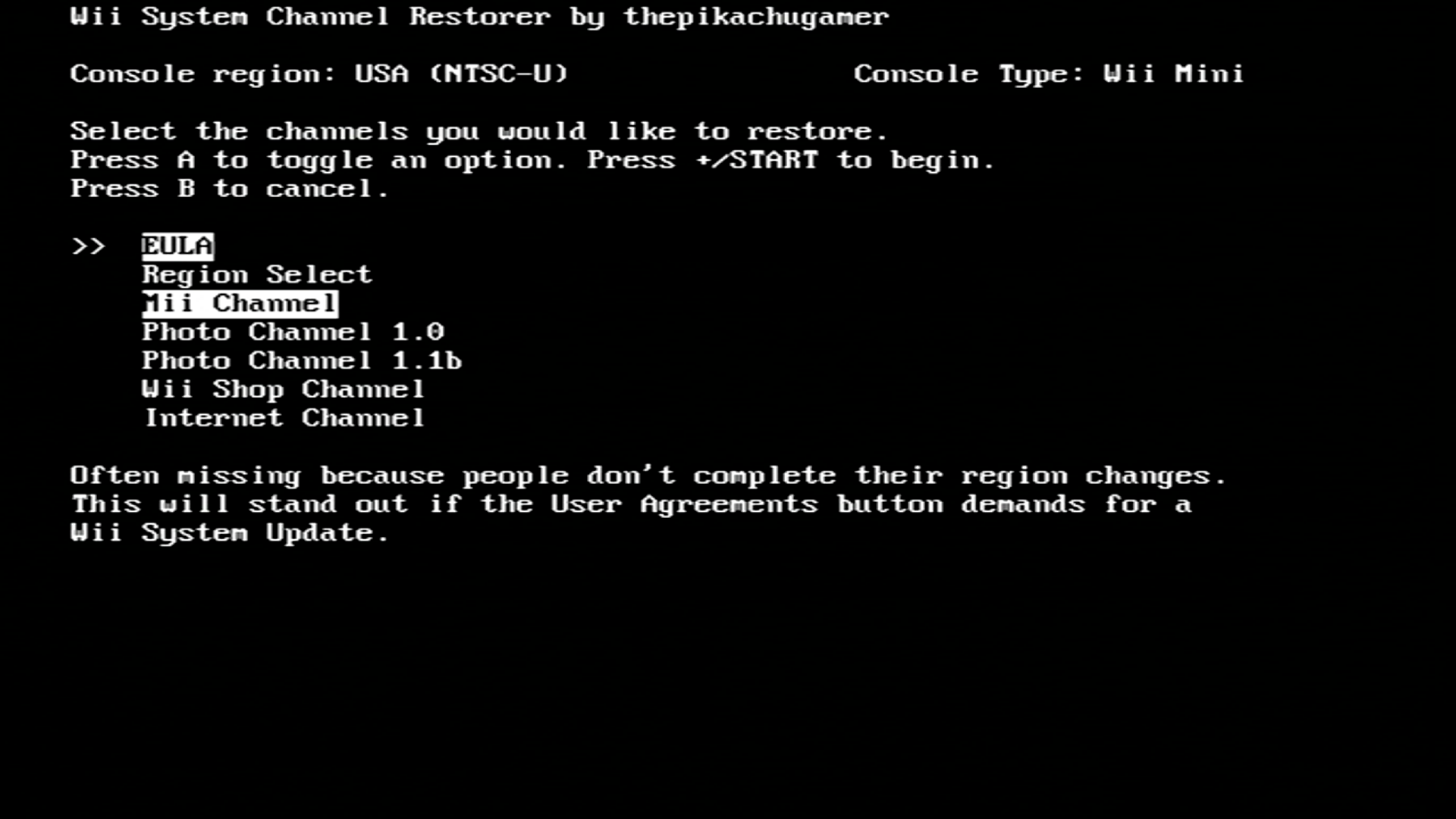
Ha minden csatorna kiválasztásra került nyomj
+gombot a telepítés elkezdéséhez.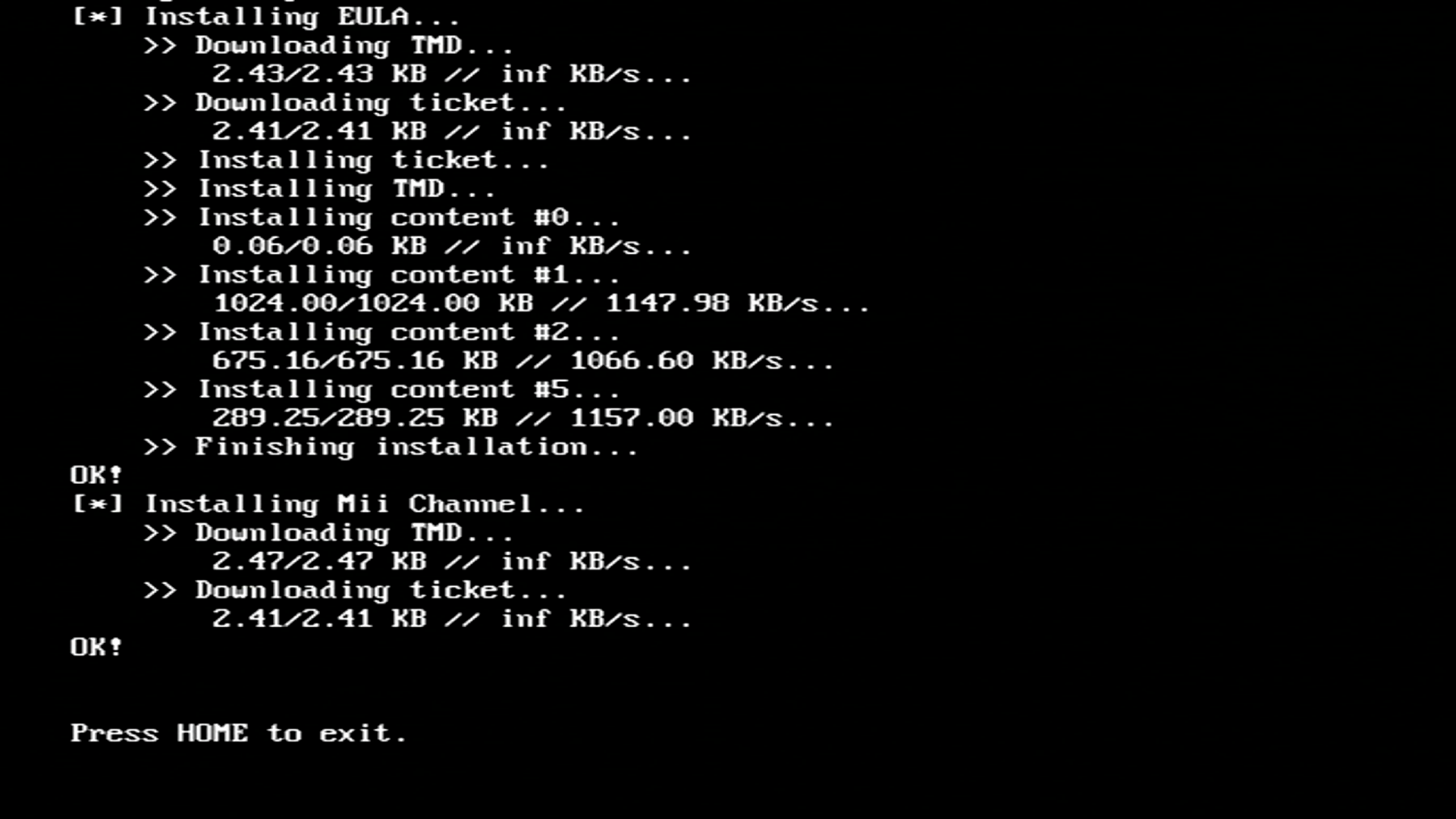
Ha a telepítés véget ért, visszatérhetsz a Homebrew Channel-hez a HOME gomb megnyomásával.
EULA elfogadása
Ahhoy, hogy használni tudj olyan szolgáltatásokat, mint a WiiConnect24 el kell fogadnod a Wii felhasználási szerződést (EULA). Ez normál esetben a Wii Setting appal történik, vagy a Wii Shop Channel-el, azonban elindíthasz egy forwardert, hogy betöltsd az EULA-t a Homebrew Channel csatornáról.
Követelmények
- Egy USB drive
- EULA Loader NTSC
- EULA Loader PAL
Lépések
Töltsd le a fenti forwarderek közül azt, ami a Wii mini konzolod régiójának megfelel. A forwarder nem fog működni, ha a rossz régiós verziót töltesz le.
Másold az
appsmappát azEULA_Loader_XXX.zipfájlból az USB drive-od gyökerébe.Indítsd el a Homebrew Channelt.
Indítsd el az EULA Loader (régiód) szoftvert a homebrew-ok listájáról.
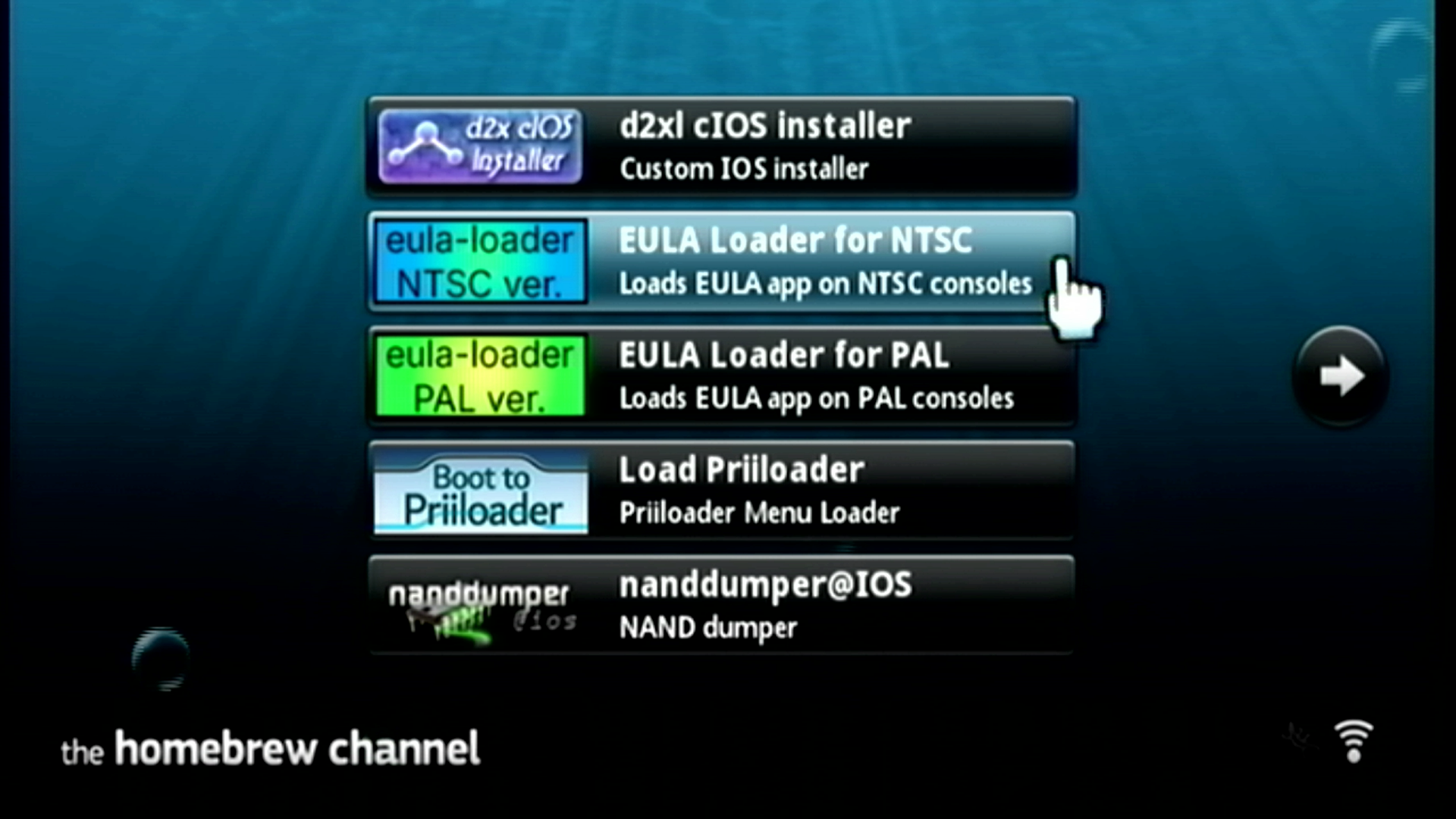
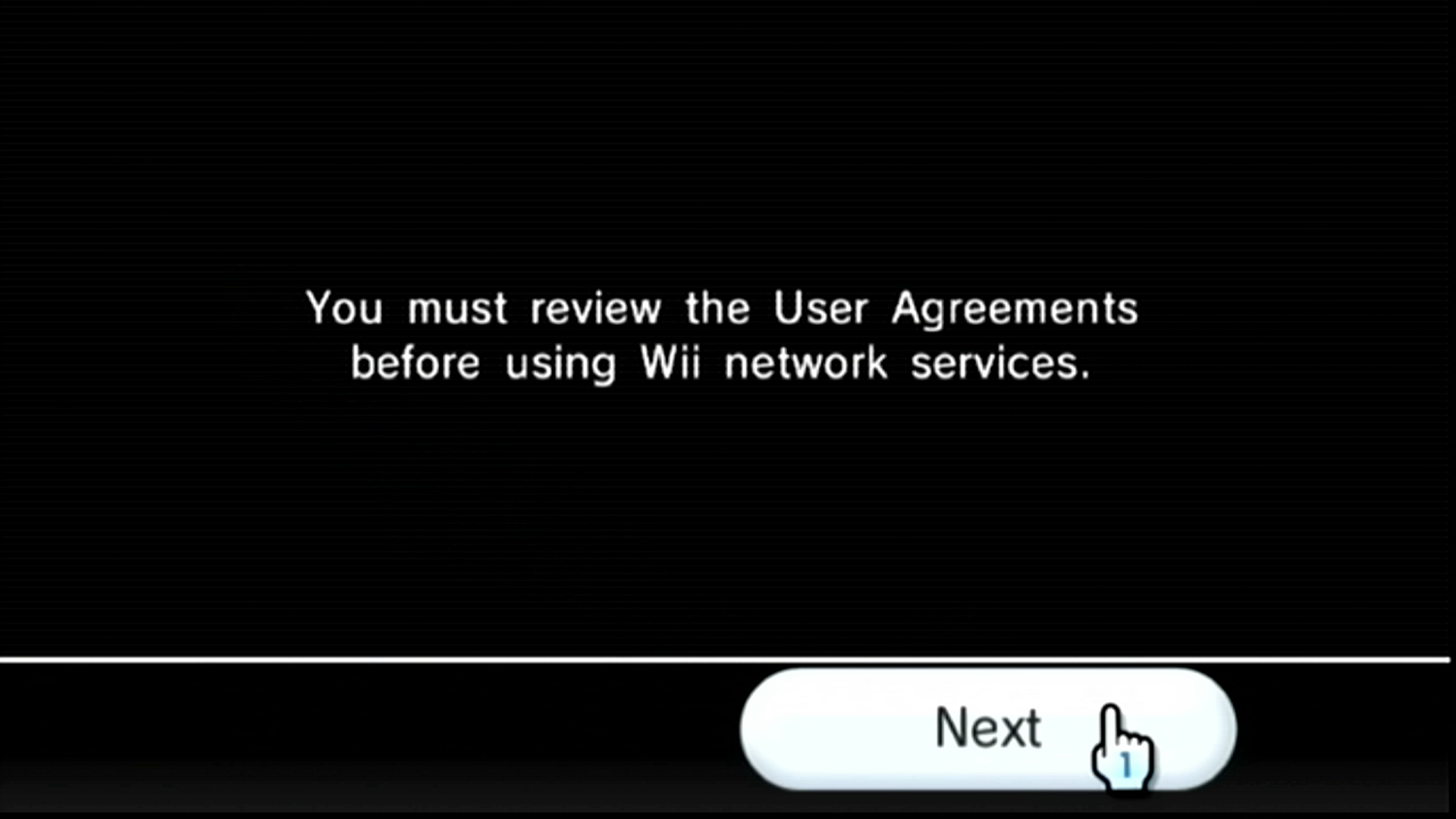
Az EULA el fog indulni. Nyomd meg a Next gombot a folytatáshoz.
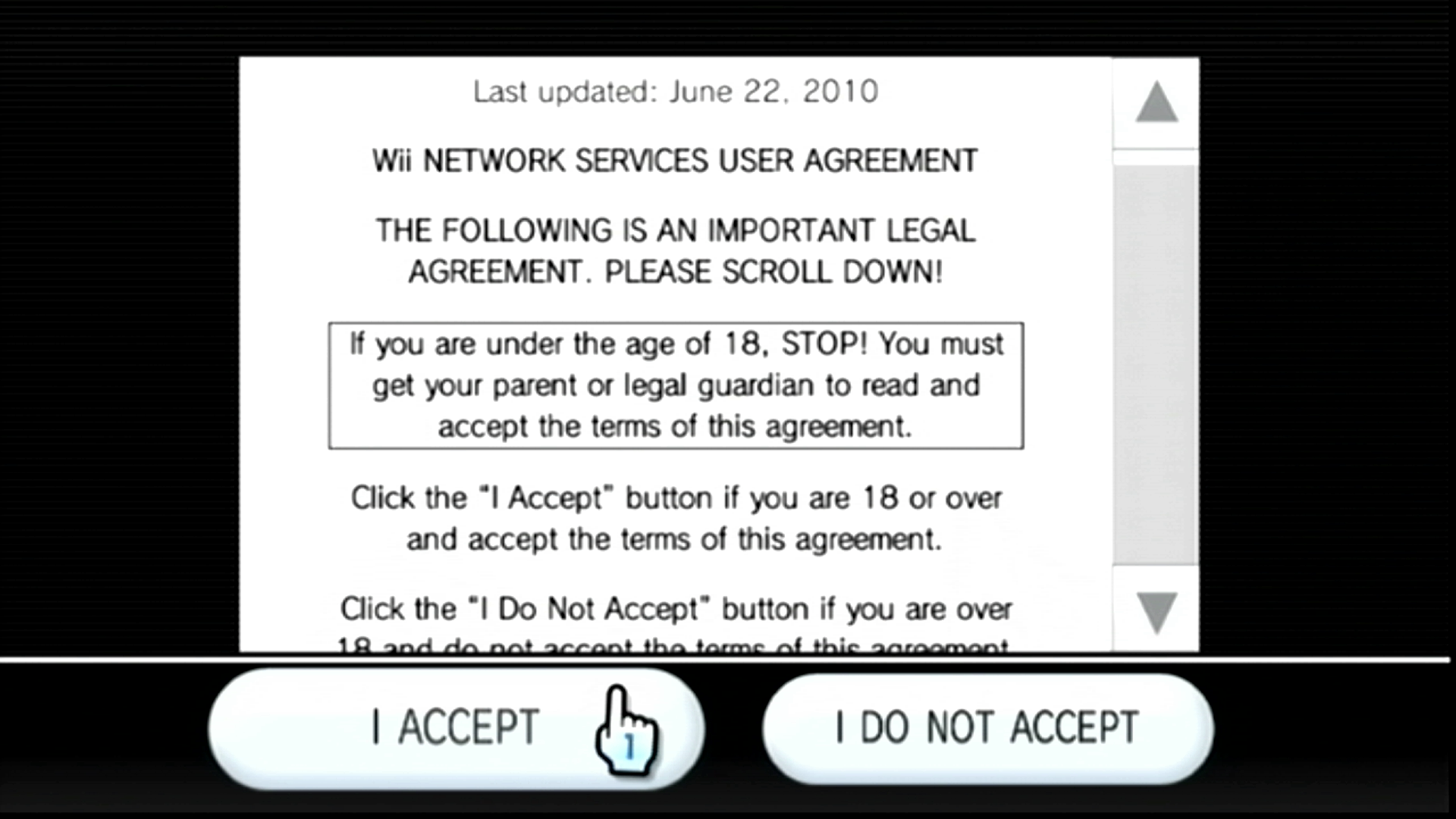
Nyomj I ACCEPT-et az EULA elfogadásához. Vissza fogsz térni a Wii Menube ezt követően.
TIP
Most, hogy a Wii mini telepítésed teljes, telepítheted az Open Shop Channel-t, ami a homebrew programok megbízható tárháza és hozzáférhető mind egy Wii mini-ről vagy egy számítógépről.