Finalizing Setup (Wii U)
Now that the Homebrew Channel, Priiloader, and cIOS are installed, we are going to finalize setup for vWii by installing crucial apps to restore various missing functionalities of the vWii menu compared to a normal console. It is recommended that you download all homebrew listed below onto your storage device BEFORE starting the listed steps to save time.
Patched IOS 80 Installer
Patched IOS 80 Installer for vWii is a homebrew app that takes the currently installed version of IOS 80 and patches it to omit the signature check. This allows fakesigned channels to be used on the SD card menu.
요구 사항
- SD 카드 및 USB 드라이브
- vWii용 패치된 IOS 80 설치 프로그램
지침
Copy the
appsfolder in thePatched_IOS80_Installer_for_vWii.zipfile to the root of your SD card or USB drive.Wii에 SD 카드를 연결하고, 홈브류 채널에서 CleanRip을 실행합니다.
Launch the Homebrew Channel, and launch the Load Priiloader app.
Launch Patched IOS 80 Installer for vWii from the list of homebrew.
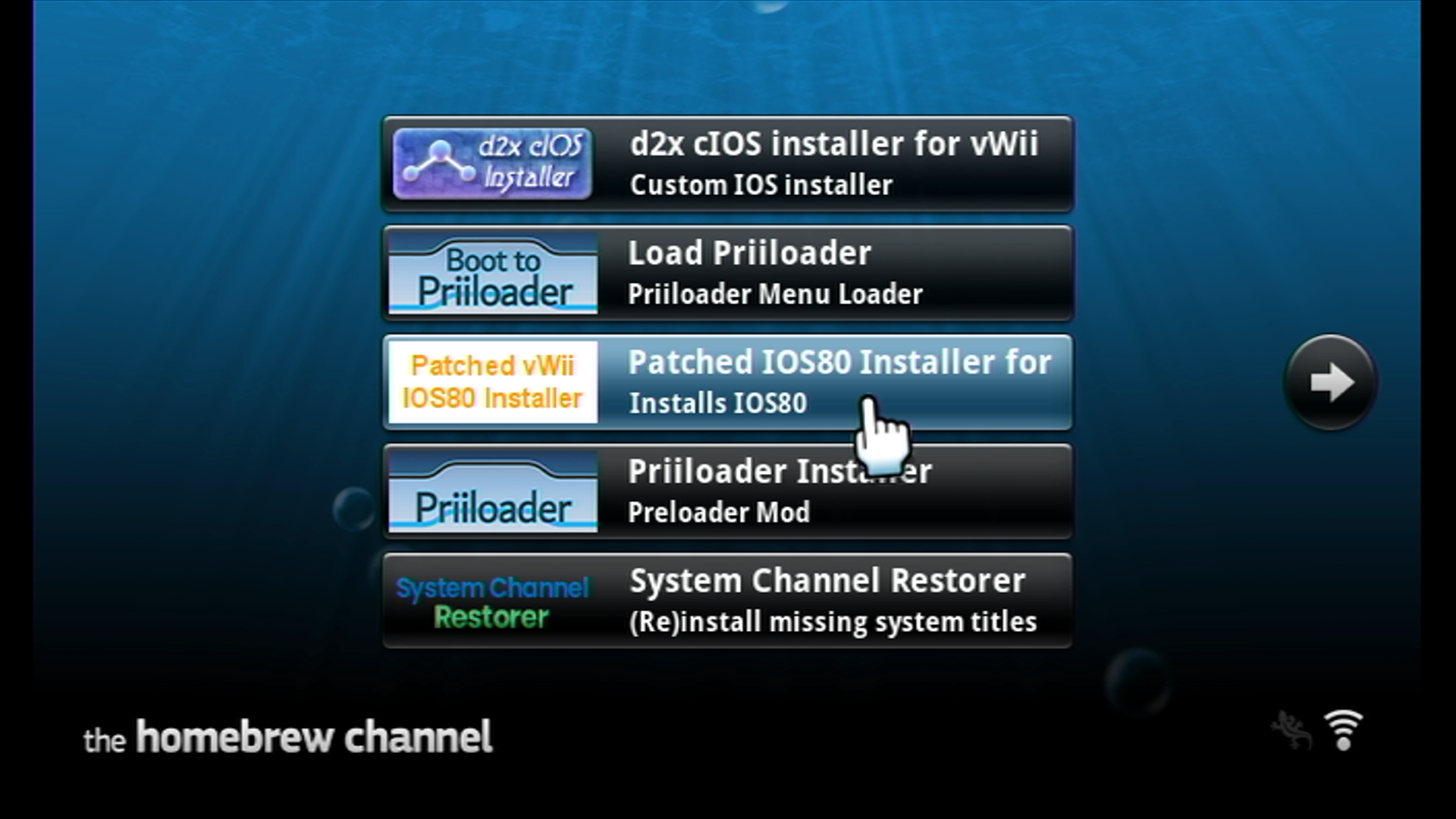
The installer will launch, display a warning, and then start a 30 second timeout before installation can begin. Read this warning in detail before continuing, and then press any button to continue.
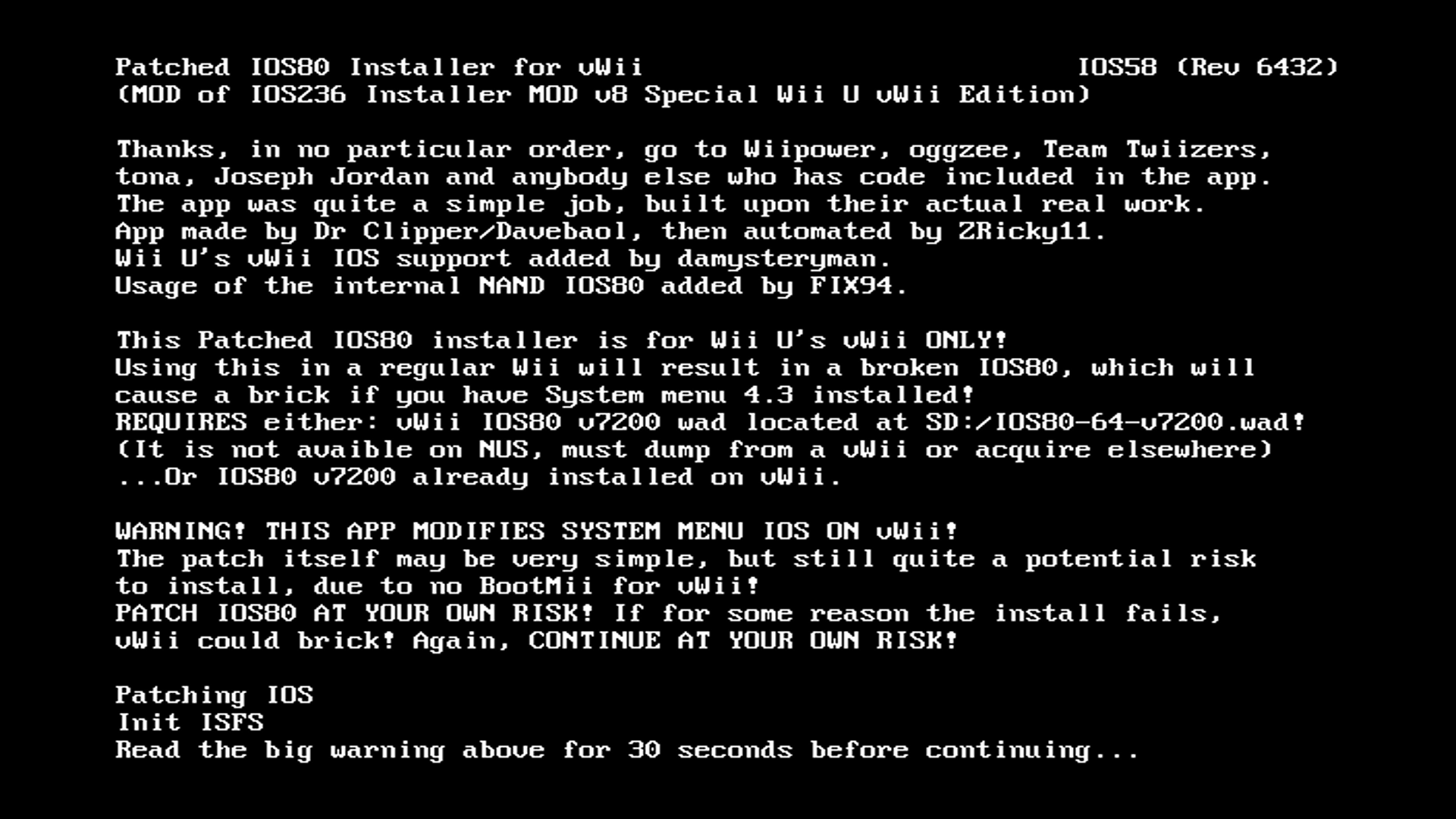
After continuing, the installer will patch and install IOS80. Once it is complete, you may press any button to return to the Homebrew Channel.
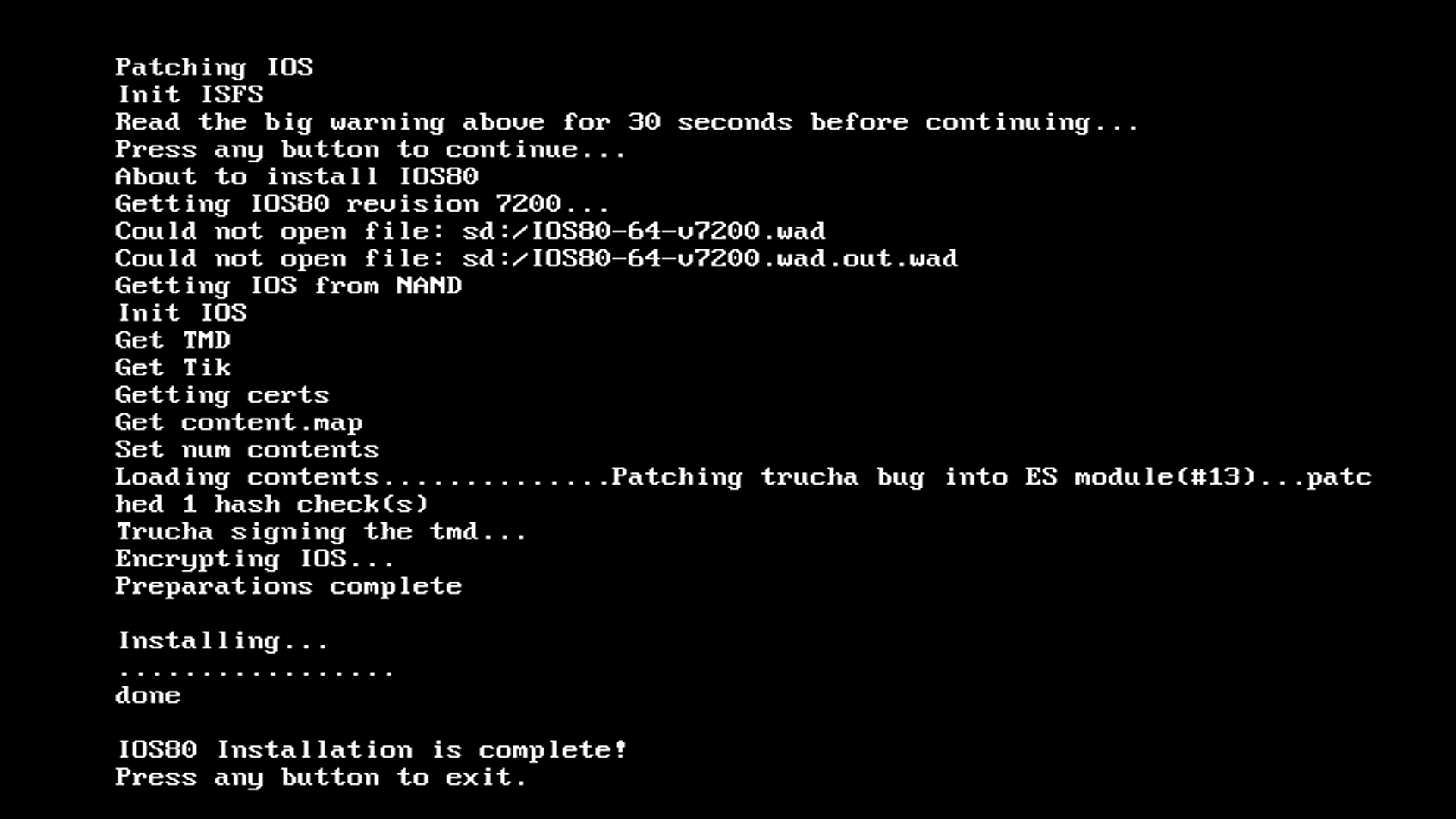
System Channel Restorer
System Channel Restorer is a homebrew app that restores channels missing from the vWii menu normally, such as the Wii version of the Mii Channel and Photo Channel.
요구 사항
- SD 카드 및 USB 드라이브
- An Internet connection
- System Channel Restorer
지침
Copy the
appsfolder in thesystem-channel-restorer.zipfile to the root of your SD card or USB drive.Wii에 SD 카드를 연결하고, 홈브류 채널에서 CleanRip을 실행합니다.
Launch the Homebrew Channel, and launch the Load Priiloader app.
Launch System Channel Restorer from the list of homebrew.
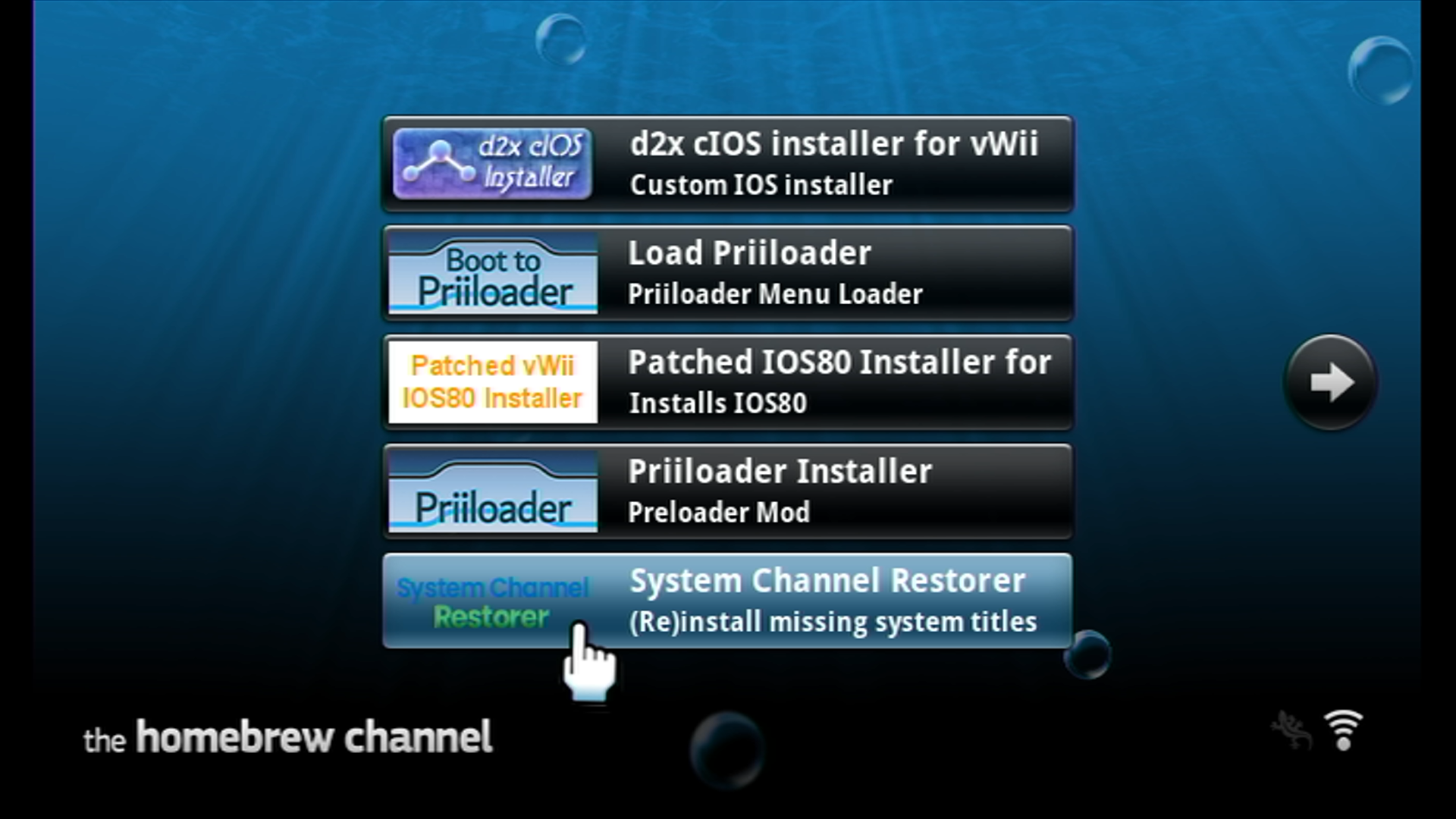
The installer will launch. If you receive -3 Failed to initialize network, ensure that your vWii is connected to the Internet. Most users will want to select the following channels, unless you prefer to install additional channels:
- EULA
- Mii Channel
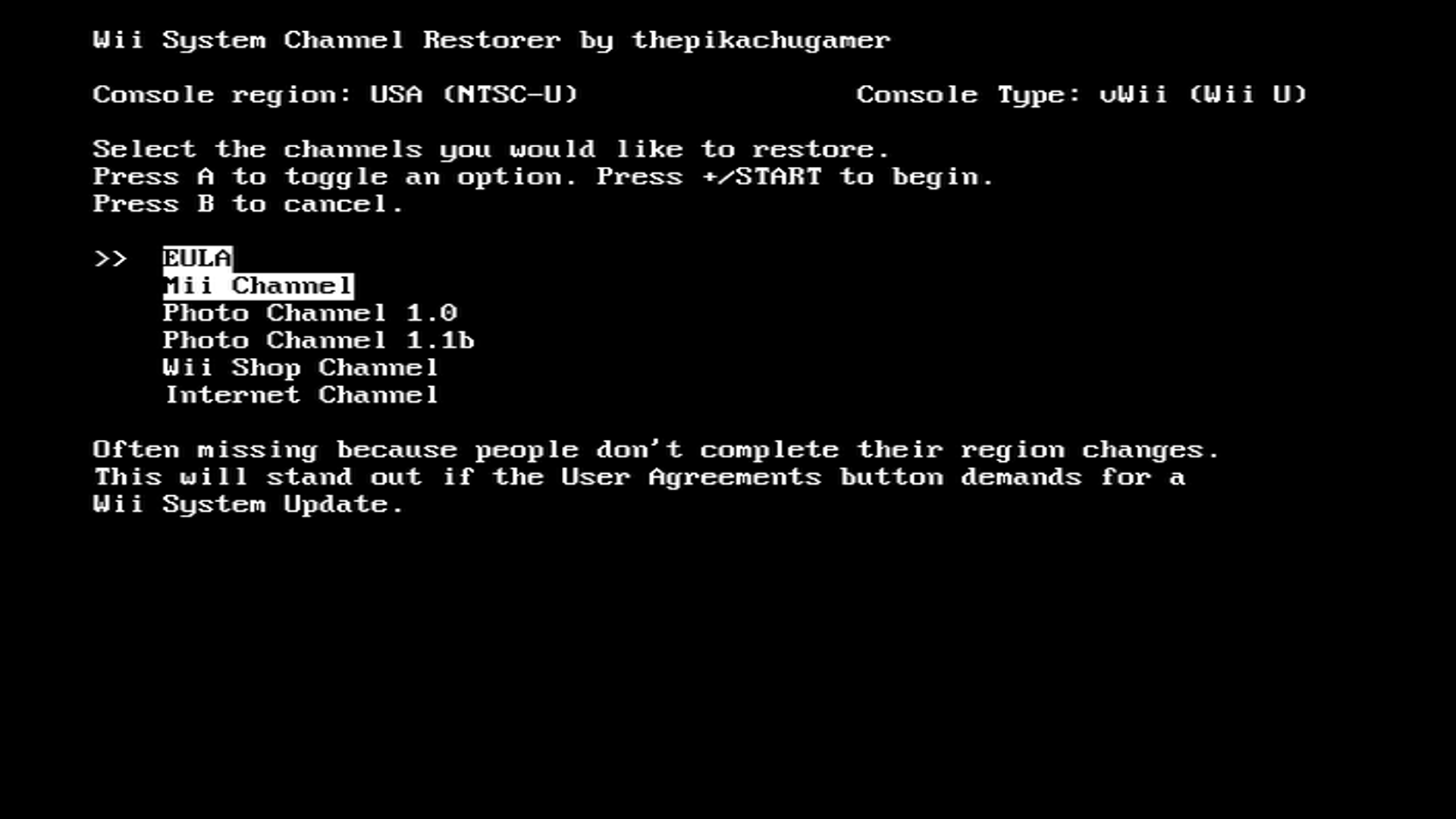
Once all channels are selected, press the
+button to begin installation.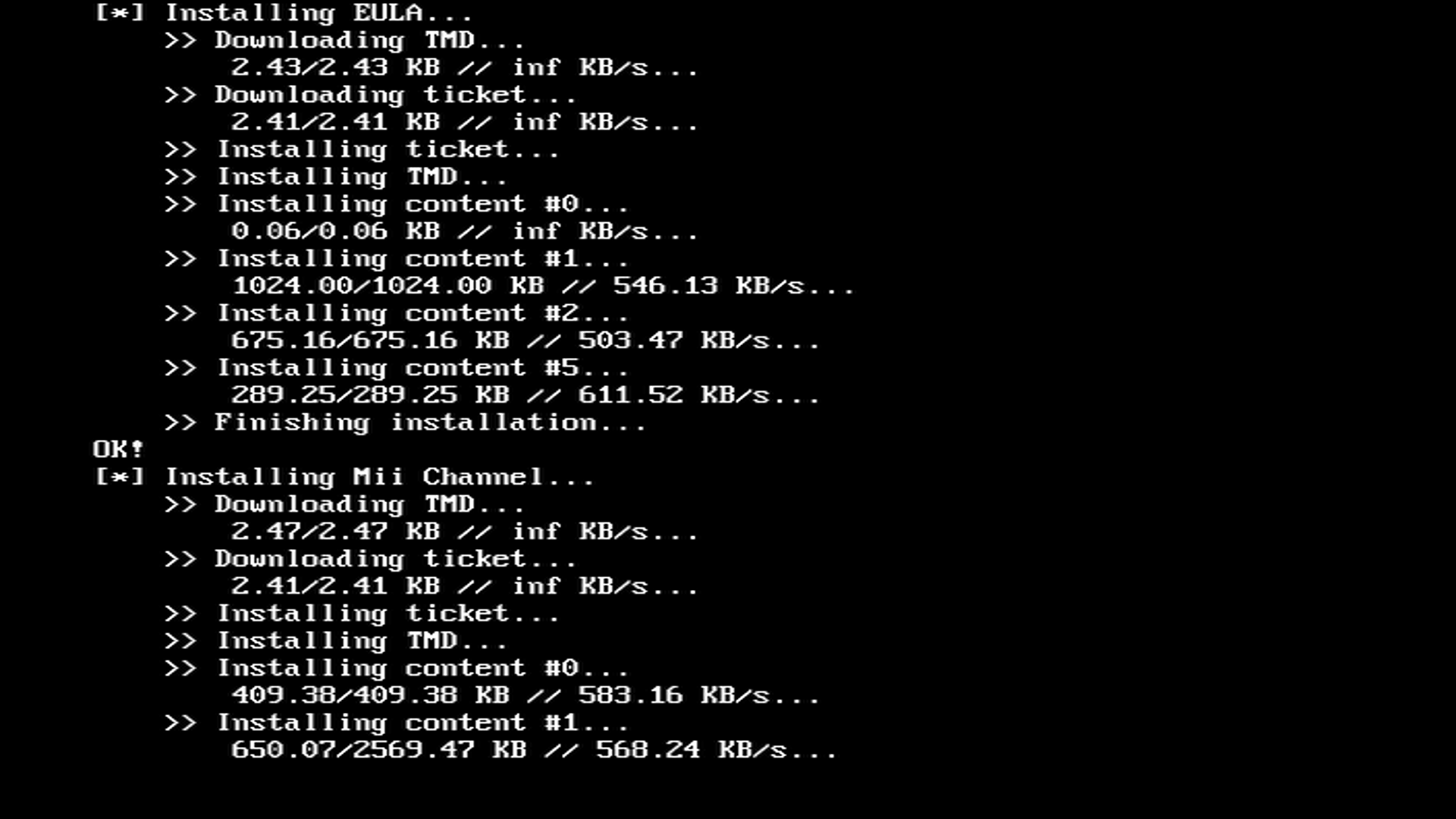
Once installation has finalized, you may return to the Homebrew Channel by pressing the HOME button.
WiiWare 4:3 DB Patcher
WiiWare 4:3 DB Patcher is a homebrew app that patches the vWii's 4:3 aspect ratio database, allowing the use of the 16:9 aspect ratio in the Everybody Votes and Mii Contest/Check Mii Out Channels.
요구 사항
- SD 카드 및 USB 드라이브
- WiiWare 4:3 DB Patcher
지침
Copy the
appsfolder in theww-43db-patcher.zipfile to the root of your SD card or USB drive.Wii에 SD 카드를 연결하고, 홈브류 채널에서 CleanRip을 실행합니다.
Launch the Homebrew Channel, and launch the Load Priiloader app.
Launch ww-43db-patcher from the list of homebrew.
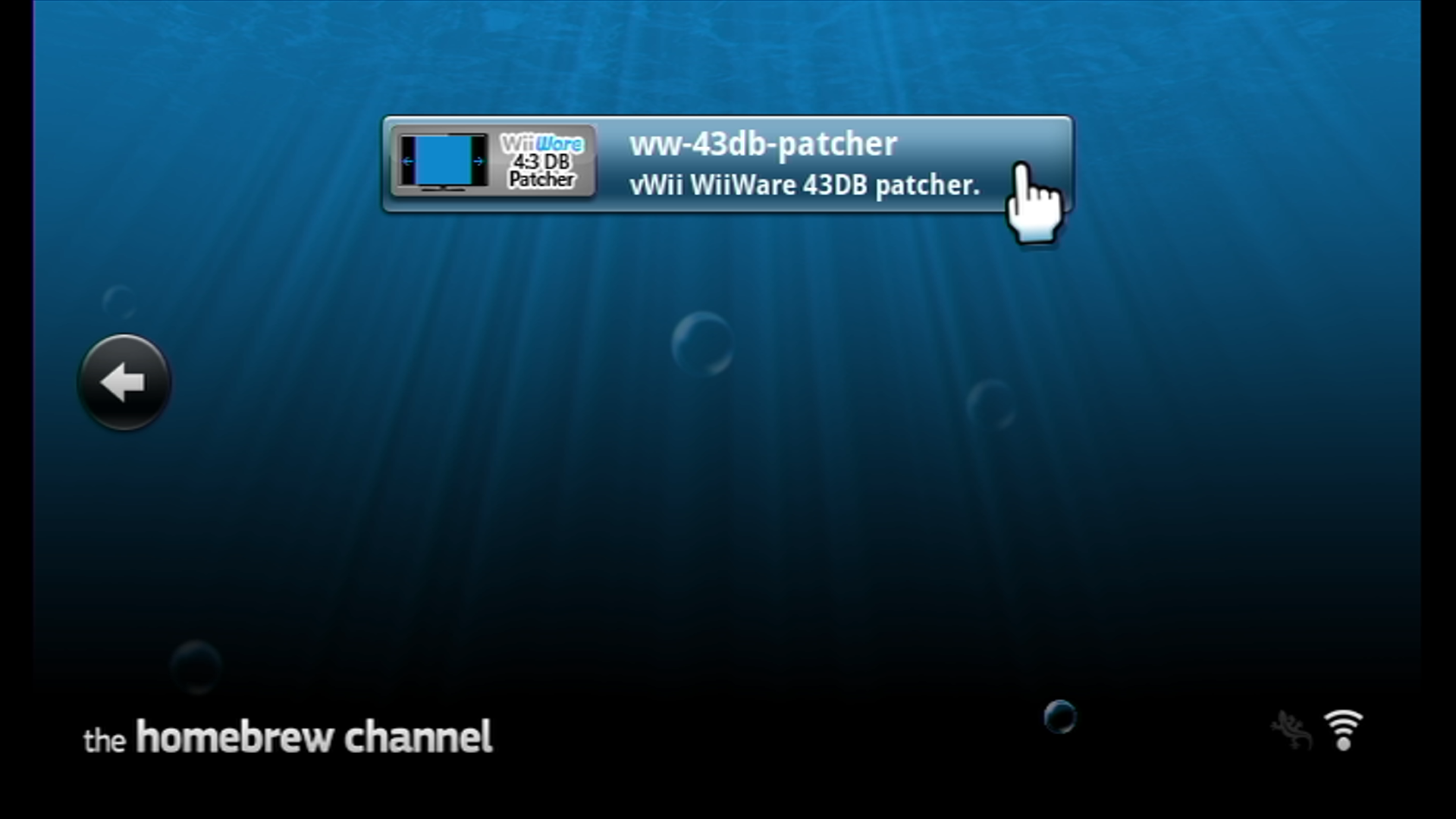
The installer will launch. Press the
1orXbuttons to patch the aspect ratio database.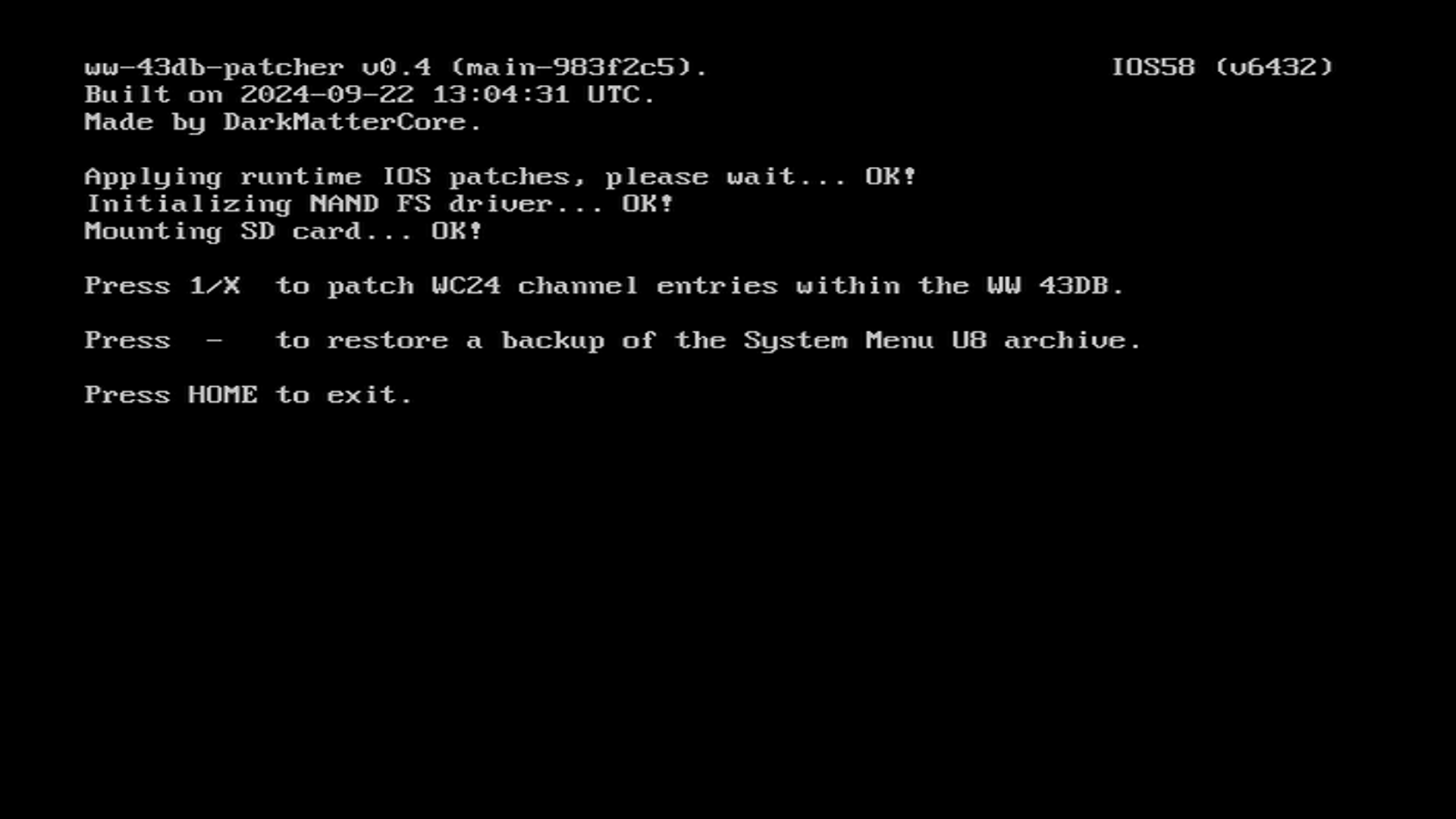
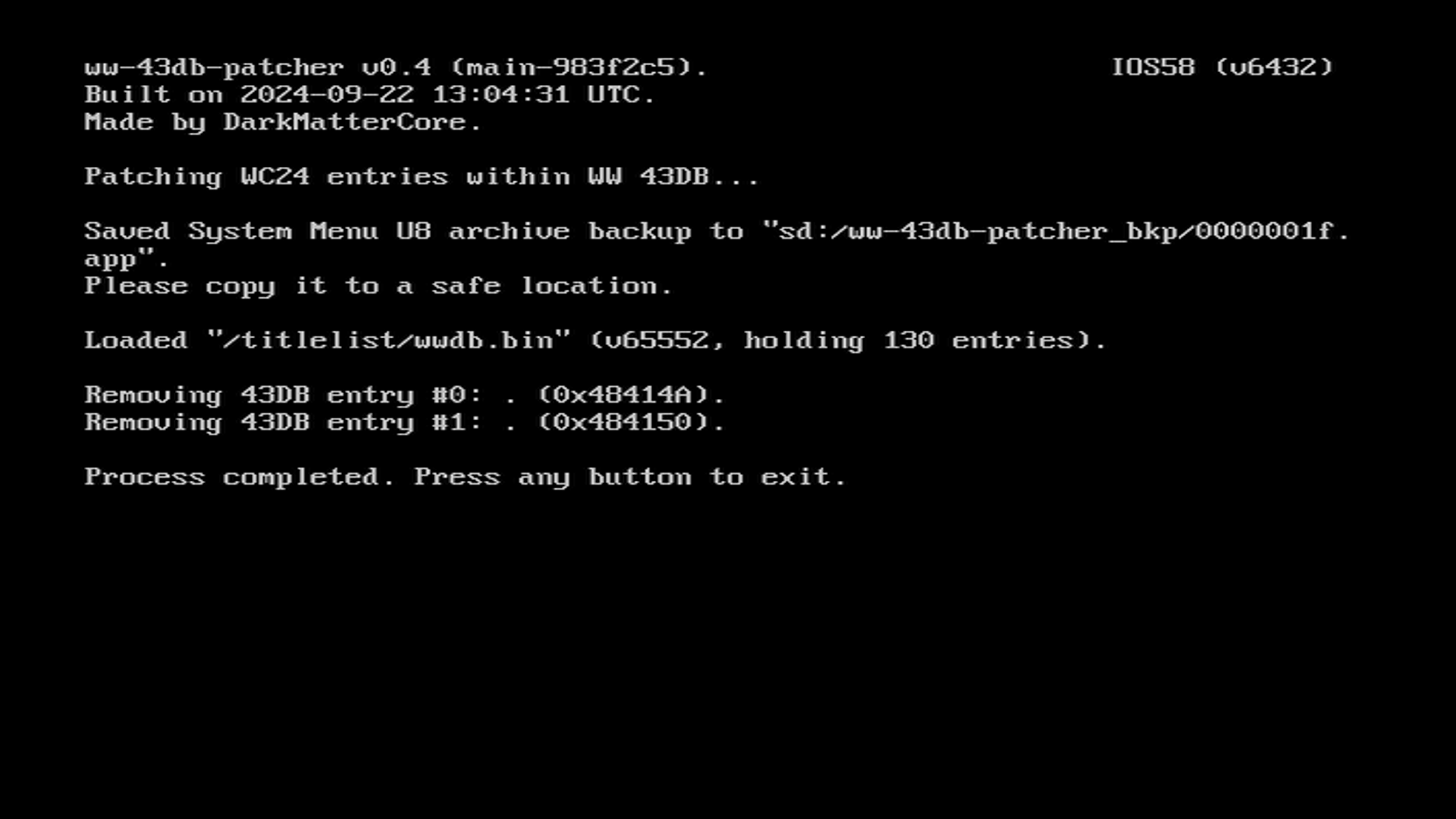
Once the aspect ratio database is patched, the installer will save a backup of the previous database. Do NOT delete this backup. You may press any button to return to the Homebrew Channel.
TIP
Now that your main vWii setup is complete, you can install the Open Shop Channel, a trusted repository for homebrew that can be accessed both on and off the Wii.