Get Started
The exploits listed for the Wii and Wii mini will bring you to the HackMii installer. The HackMii installer will install the Homebrew Channel (used for lauching homebrew) as well as BootMii (used for creating and restoring NAND backups), depending on your console.
Wii mode on Wii U has a slightly different exploitation process, and will not launch the HackMii installer. Instead, you will exploit Wii mode through the Wii U menu and proceed as instructed.
DANGER
NAND Backup Disclaimer
You are highly advised to hold a usable SD card or USB drive on hand in order to create a NAND backup. The table below illustrates what you may use according to your console:
| CONSOLE | USB DRIVE | SD CARD |
|---|---|---|
| Wii / Family Edition | ✅ | ✅ |
| Wii U (vWii) | ⛔ | ✅ |
| Wii mini | ✅ | ⛔ |
Is your Wii already softmodded?
If you have a Wii or Wii mini that is already softmodded and you would like to update your setup, follow this guide to launch the HackMii installer from the Homebrew Channel, or Priiloader. Possible signs that your console is already softmodded include:
- The Homebrew Channel is visible on the Wii menu
- Other homebrew, including USB loaders or emulators are visible on the Wii menu
- You are able to open Priiloader when attempting to do so
- BootMii is visible when starting the console
- There is already an SD card in your Wii that contains folders like
apps
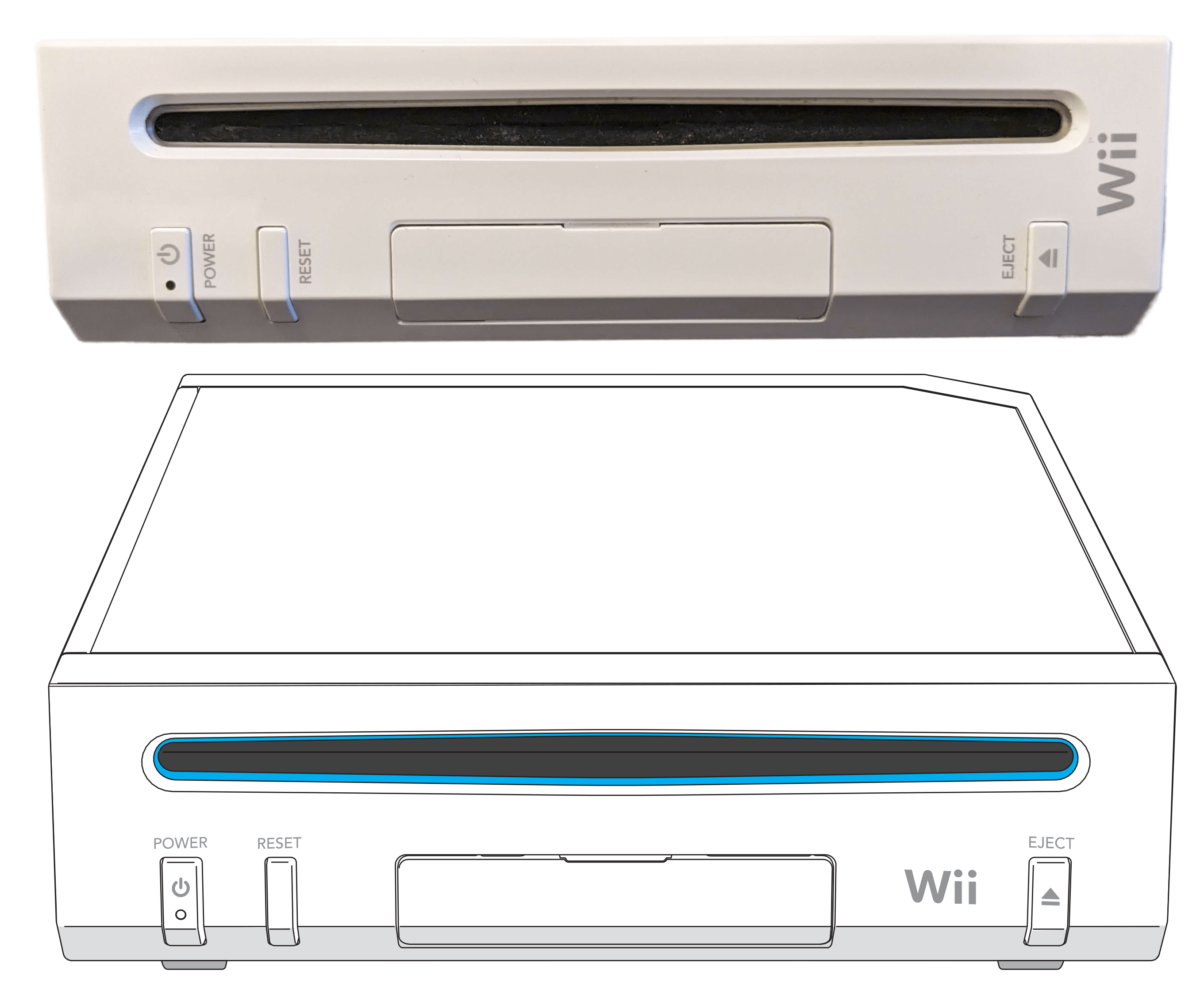
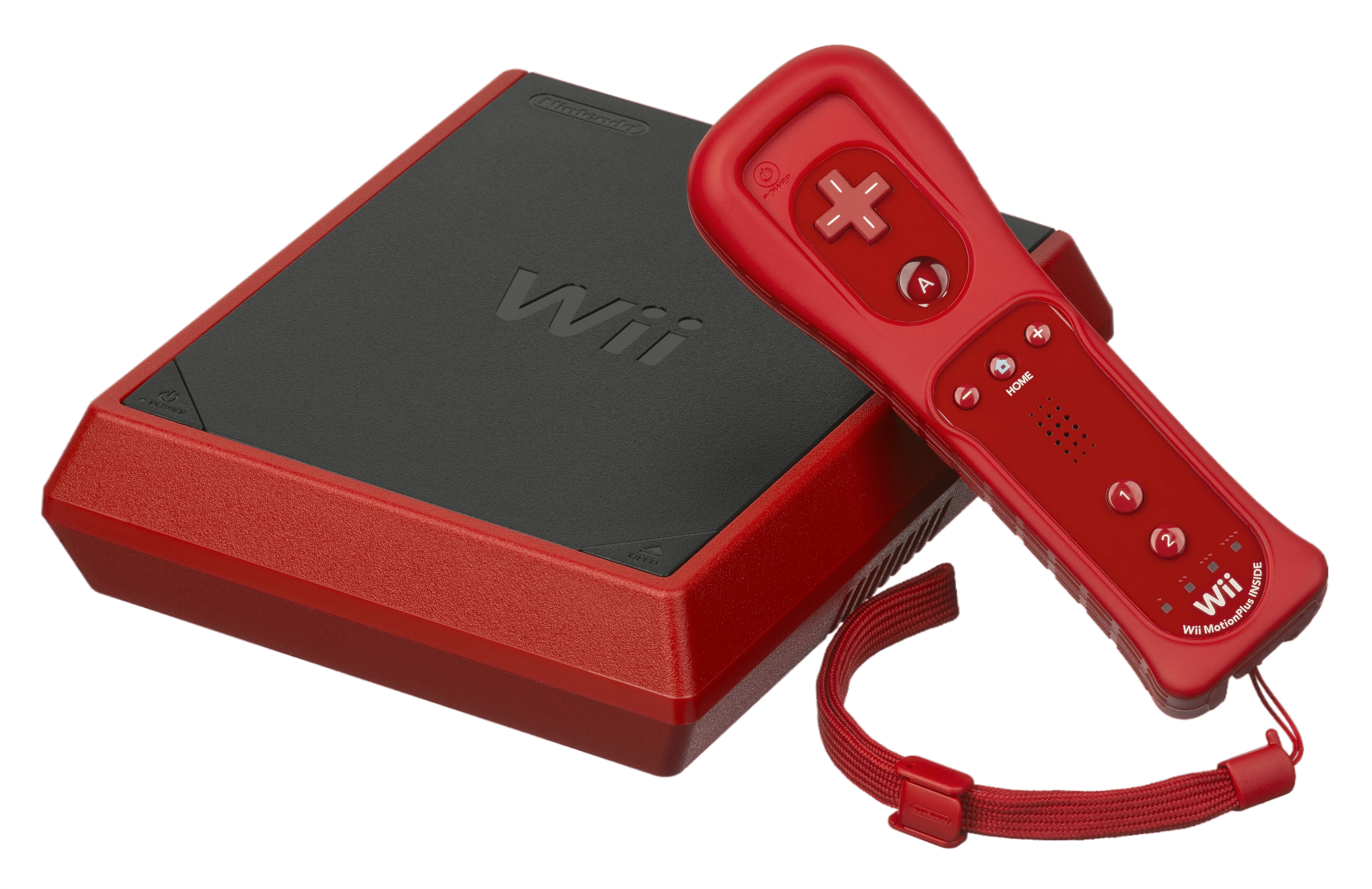
Identify your console revision

Select your exploit
Select the exploit that corresponds to your console and situation the best.
If you can use a Windows PC, and want guided/automated setup:
Exploit with ModMii →If you can use an SD card:
Exploit with Wilbrand →If you cannot use an SD card:
Exploit with str2hax →For all Wii mini setups:
Exploit with Bluebomb →If you can use a Windows PC, and want guided/automated setup:
Exploit with ModMii →If you have not modded the Wii U, but want to:
Exploiting the Wii U →If you have already modded your Wii U, or don't want to:
Exploiting the vWii →For Dolphin users:
Homebrew Channel on Dolphin →For non-recommended legacy exploits:
Using Legacy Exploits →