BootMii Recovery
This guide will provide instructions on how to restore a backup of your NAND with BootMii.
Please read the information below before proceeding further.
INFO
Important Information
Family Edition Wiis and Wii minis CANNOT restore NAND backups. This is because of the lack of GameCube ports which are required on non-boot2 Wiis to enter the restoration confirmation code. For additional help, please seek support on the Nintendo Homebrew discord server.
If you have BootMii installed as boot2, you will need to launch BootMii by restarting the console. Skip steps 4 and 5 if this is the case.
If you have not done anything to cause a brick (or you're starting up your Wii after a long time), then it is likely a Wi-Fi Brick.
If you were restoring a NAND backup in order to repair a brick and this did not fix your issue, please consult the bricks portion of this guide to locate your issue.
You must use the buttons on your console or a GameCube controller plugged into port 1 to navigate BootMii. To navigate with a GameCube controller, click left/right on the +Control Pad to move, and press A to select. To navigate with your console buttons, press
POWERto move right, and pressRESETto select.If you have BootMii as IOS installed, RestoreMii will prompt you for the Konami code via a GameCube Controller. This is explained in Step 6.
DANGER
Important Warnings
This is intended to be a last resort method of repairing an issue on your Wii. Please verify that you can enter the Homebrew Channel before restoring a backup, as most issues can be resolved from here. Please additionally join Nintendo Homebrew discord server for help with diagnosing and resolving your issue in conjunction with the bricks guide.
If the screen stays black and the blue disc drive light is blinking upon launching BootMii, you are missing the BootMii files on your SD card. Download this zip file and extract it to the root of your SD card, then try again.
DO NOT restore an unverified NAND backup, or a NAND backup that is not from your Wii. This may lead to a WORSE BRICK. The same goes for restoring backups off of faulty SD cards.
Restoring individual data from a NAND backup
If you would like to restore individual data from your NAND backup, a much safer and faster way to do this using Dolphin Emulator.
For example, if you want to restore your Wii Message Board data, use Dolphin to import your NAND backup. In Dolphin, go to File -> Open User Folder, and find Wii/title/00000001/00000002/data/cdb.vff, copy it to your SD card, and use WiiXplorer to restore it in the corresponding location.
If you want to restore a game's save data, use Dolphin to import your NAND backup, use Tools -> Export All Wii Saves to export all your saves to your SD card, and use Data Management to move it to your Wii.
Requirements
- A Wii with BootMii as IOS or BootMii as boot2 installed
- An earlier NAND Backup for your specific Wii made by BootMii OR nanddumper@ios
Instructions
Insert your SD card into your PC.
Determine if your NAND files are already on your SD card. If not, you must copy a backup of your
nand.binandkeys.binfiles to the SD card.Insert your SD card into your Wii.
Launch the Homebrew Channel.
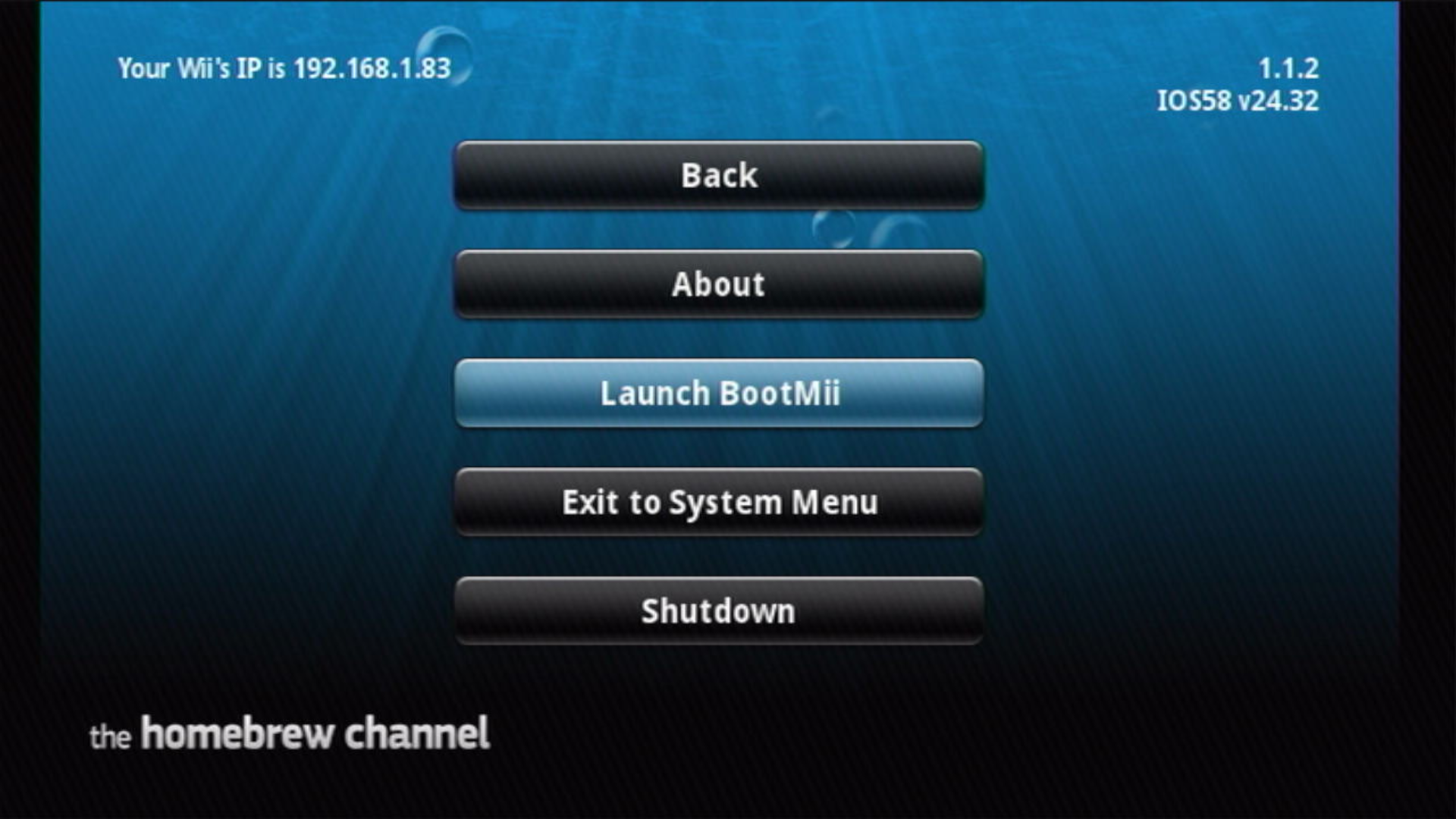
Press the HOME Button, then select "Launch BootMii".
- If the Homebrew Channel is inaccessible and you have Priiloader installed, you may also access it on boot and select
BootMii IOSto load BootMii.
- If the Homebrew Channel is inaccessible and you have Priiloader installed, you may also access it on boot and select
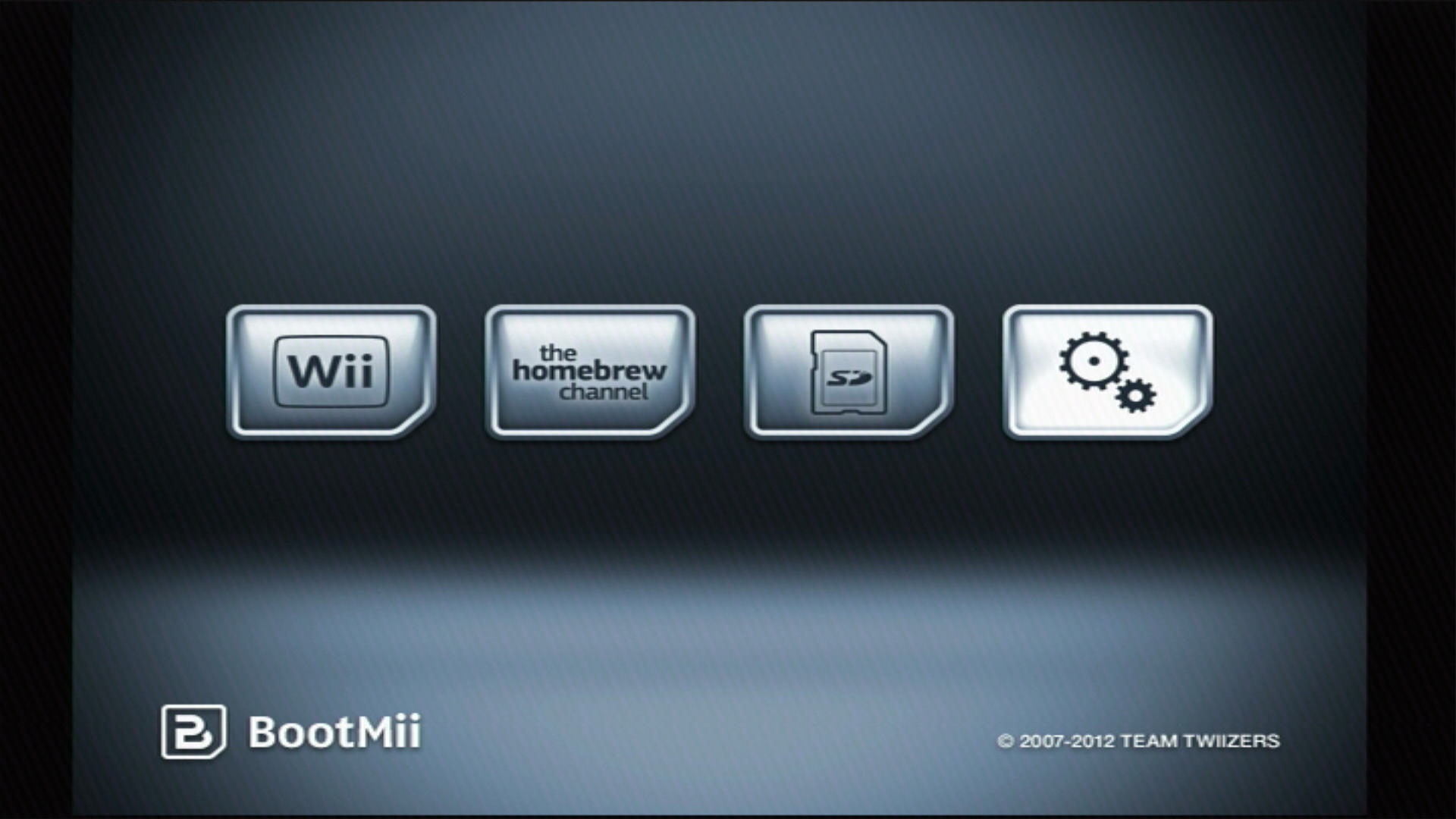
Select the Options button (the icon with the gears).
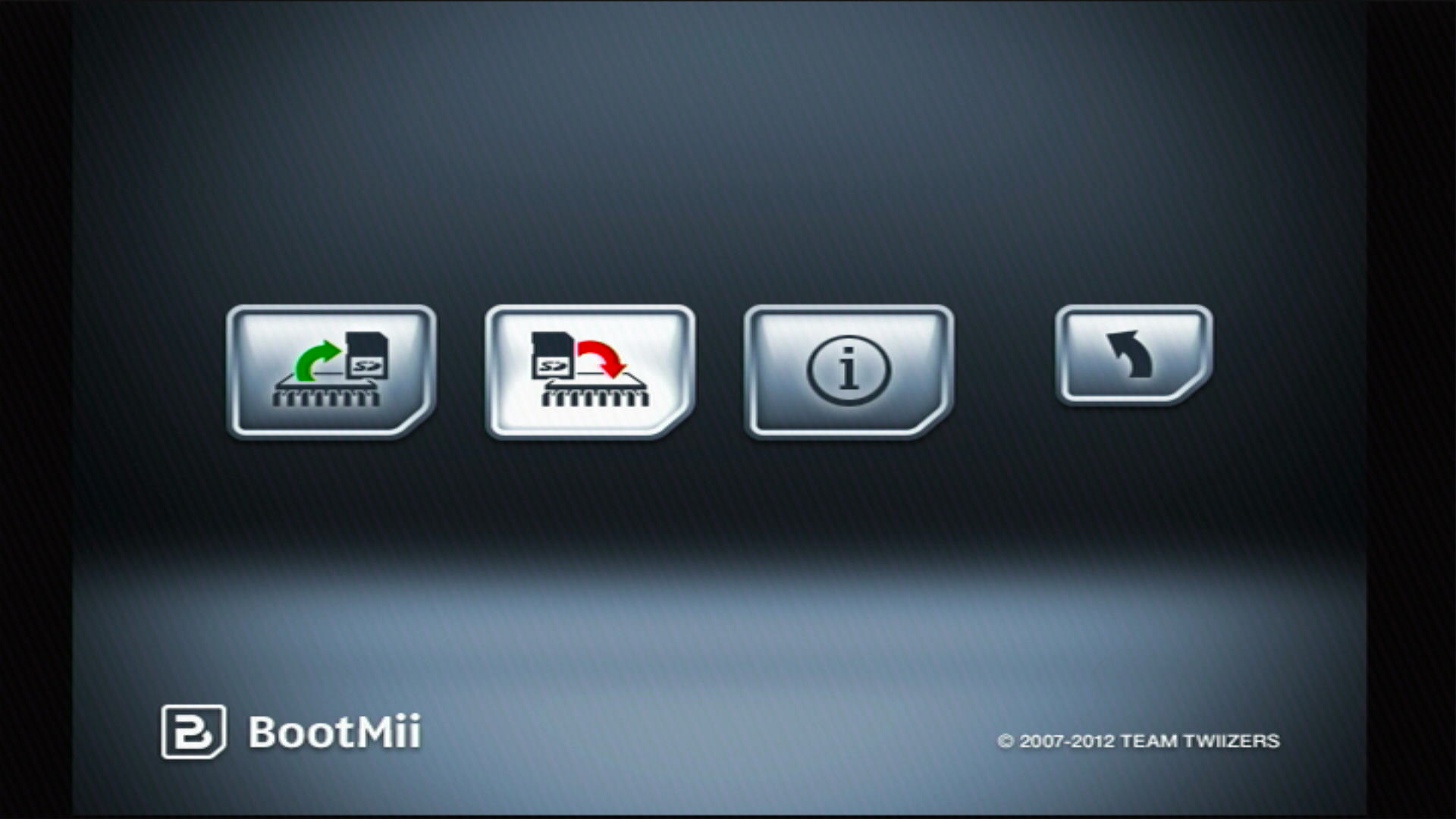
Select the RestoreMii button.
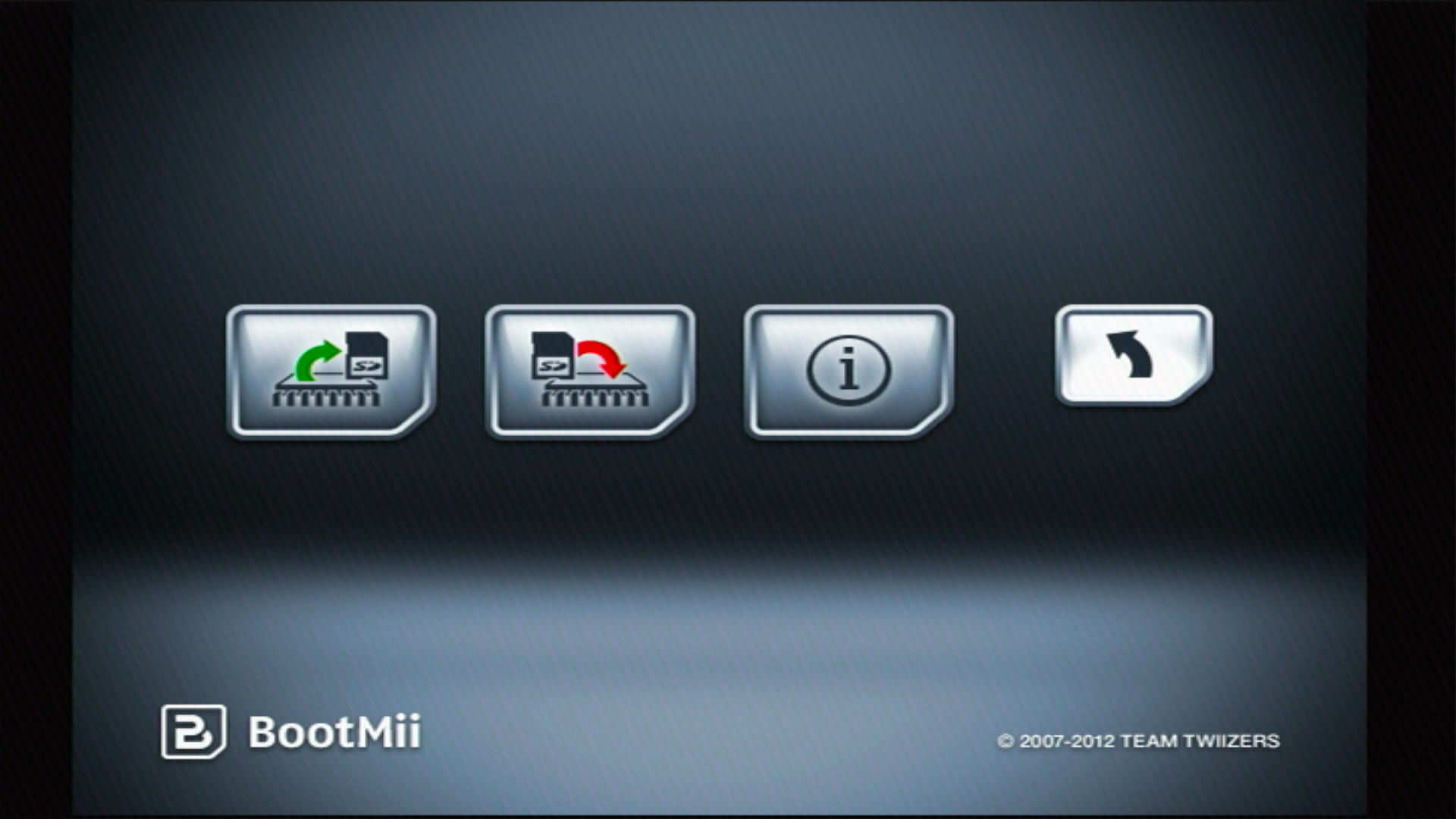
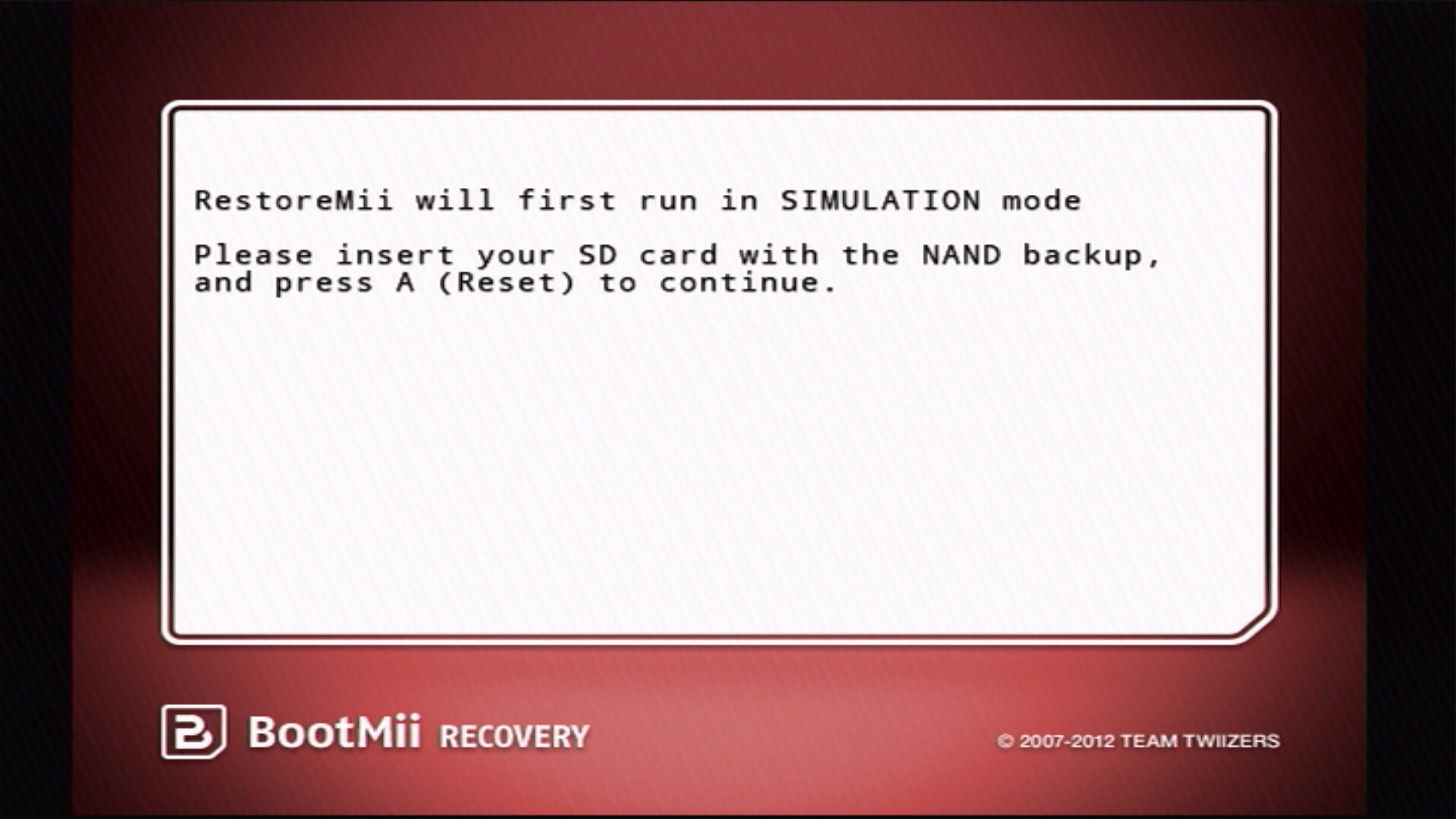
BootMii will inform you that it will run in SIMULATION mode, you can press A or Reset to continue.
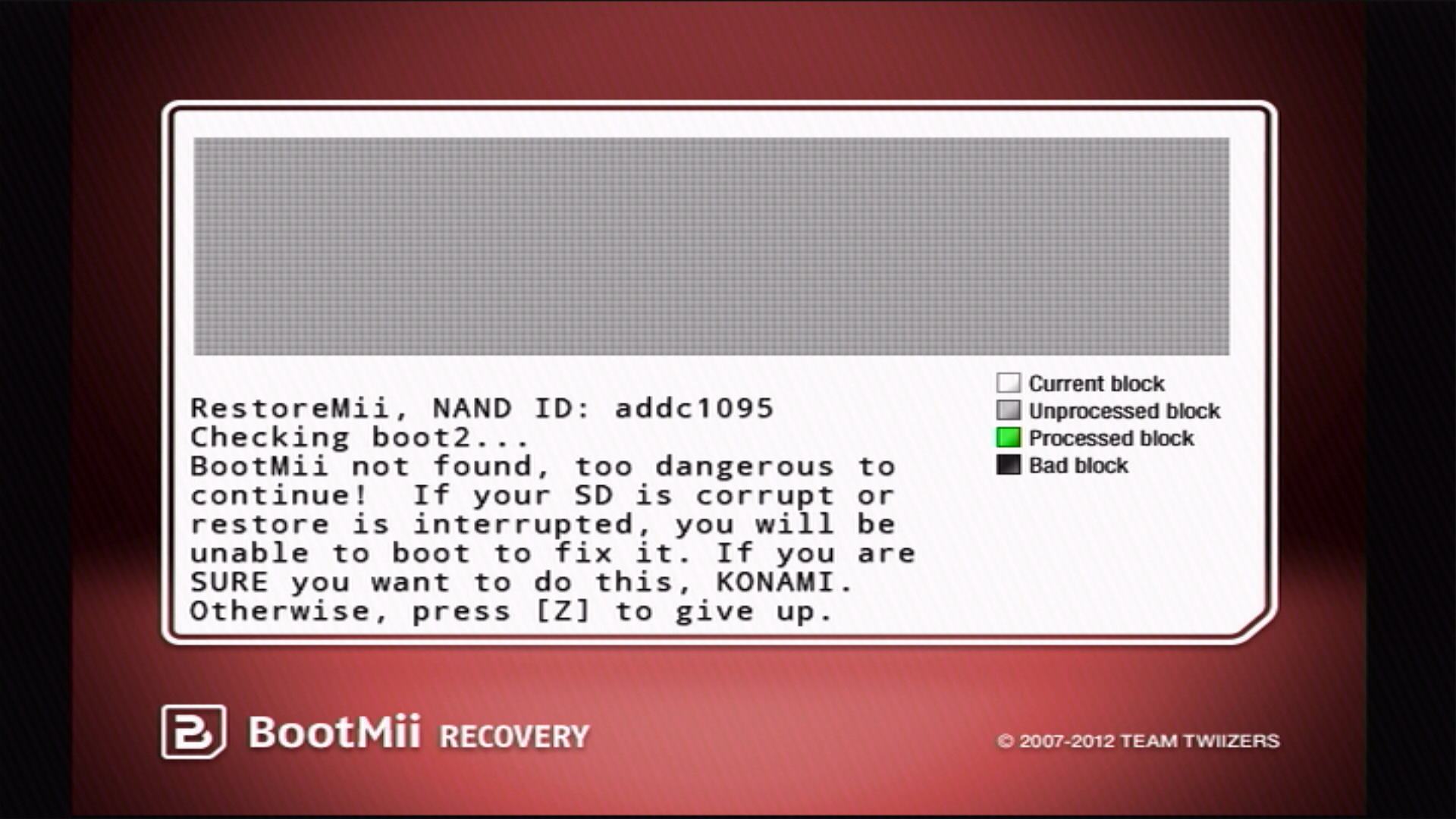
If BootMii is installed as IOS, input the Konami code on your GameCube controller: ↑, ↑, ↓, ↓, ←, →, ←, →, B, A, START
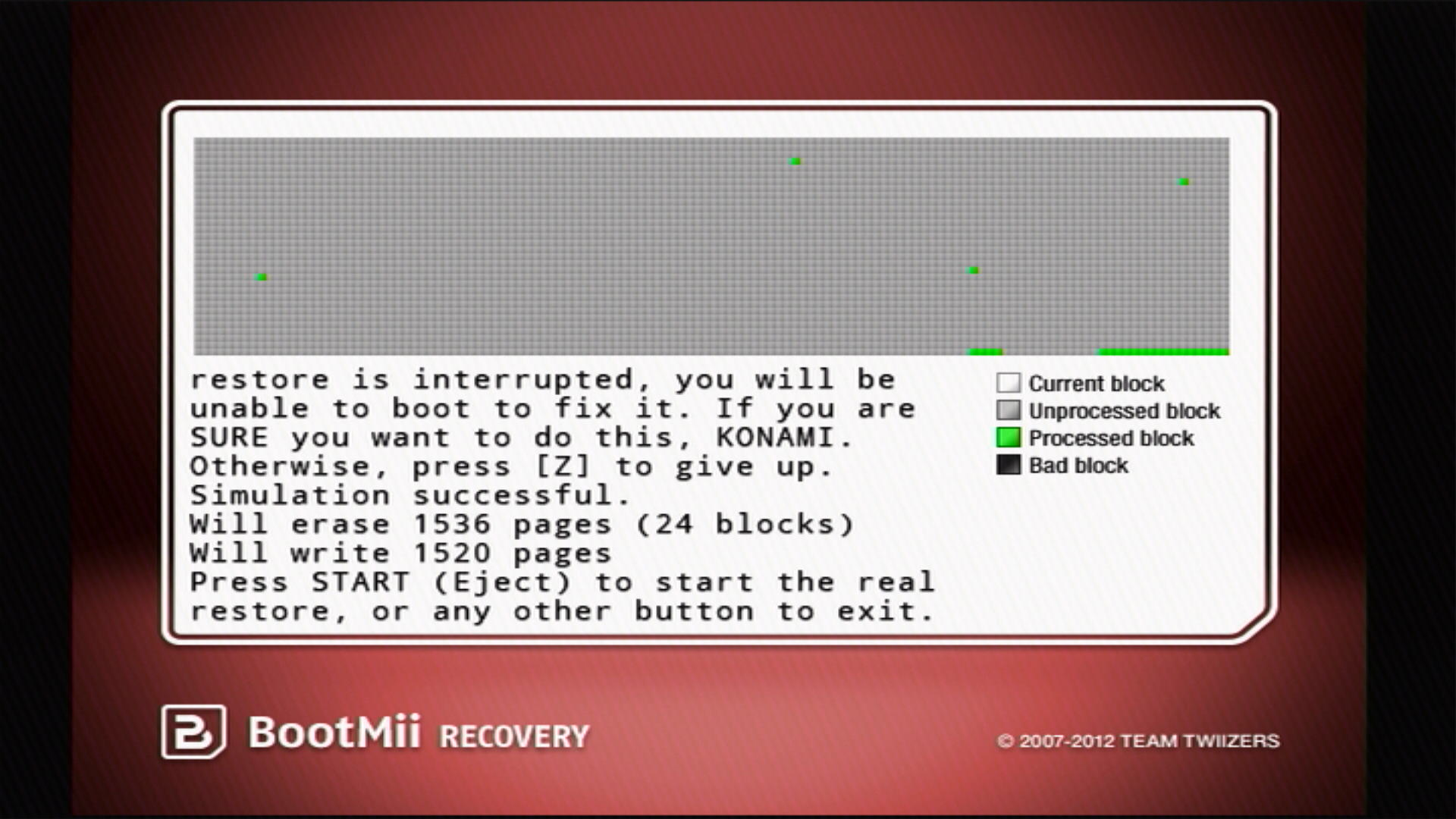
BootMii will run through the restore process as a simulation, detailing what will be erased and rewritten. Once this is done, you have one final chance to back out of the restoration process. Otherwise, press START or the Eject button to begin.
After the recovery ended, you should see a text say
I HAZ SUCCESS!, otherwiseI HAZ FAIL. Hit any button on your Wii console or GCN controller.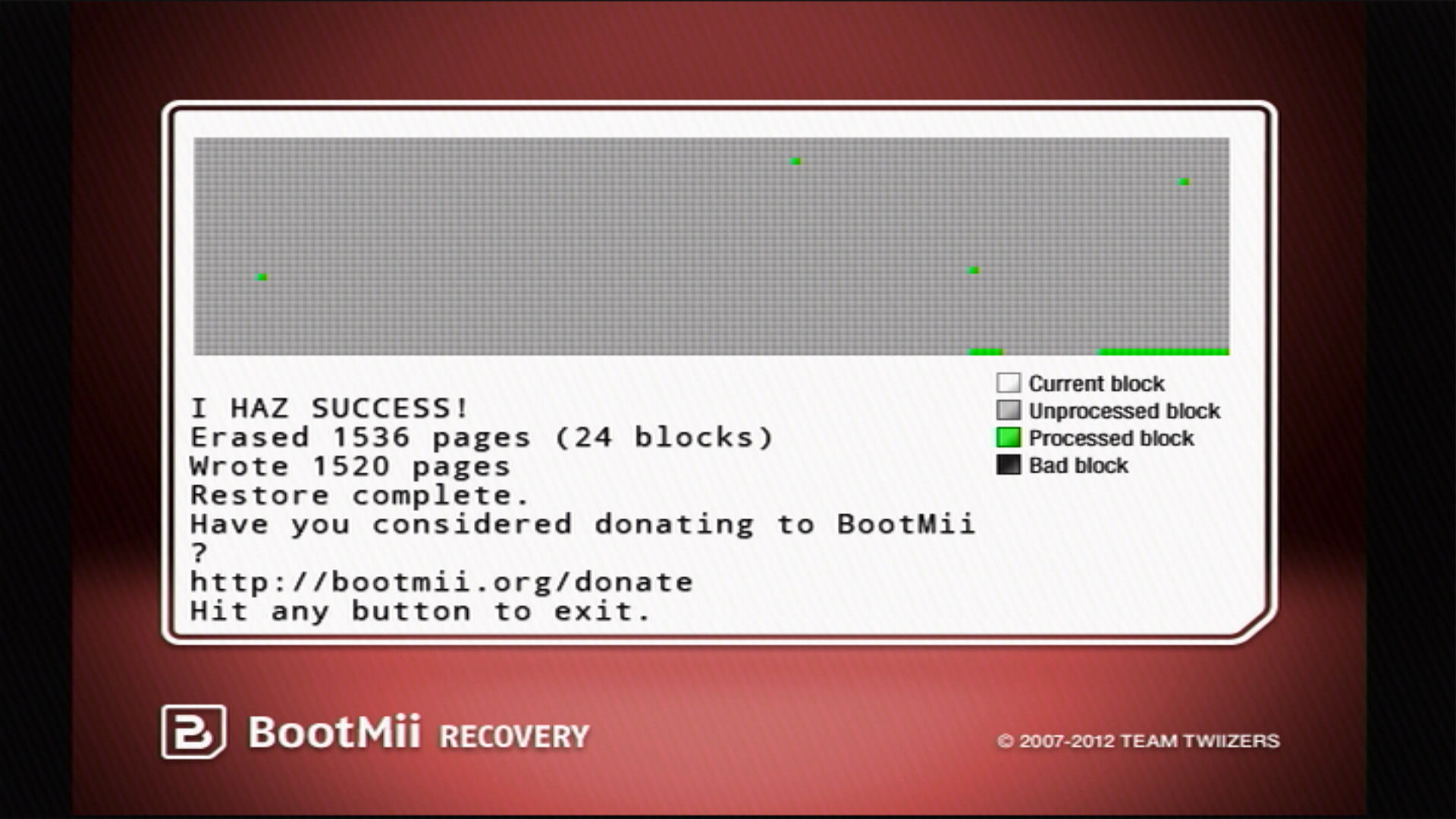
Press the Back button (the one with an arrow), then press either the Wii Menu button or the Homebrew Channel button to exit BootMii.